Content Creators Studio for Mac
Terms & Conditions
Version 10 · In force from 2 October 2026
These are the terms for the Mac app. Galleries is a separate service with its own, listed on our legal page.
The short version
A summary, so the clauses below have a way in. It is not the agreement — the numbered sections are.
- —Your footage stays on your Mac unless you send it somewhere yourself. The app never uploads it to us: the one way it leaves is a delivery you choose to send to your own Dropbox, and only once you've connected it.
- —If the app crashes, it tells us where in the app that happened so it can be fixed — nothing about you or your work. You can turn that off in Settings.
- —Seven days free, in full, with no card. The trial starts when you first agree to these terms.
- —One subscription covers three Macs, and you can move it between them yourself.
- —If your subscription ends you keep your work. The app still opens your shoots, browses, rates, marks and plays them — exporting and capturing frames are what need a subscription.
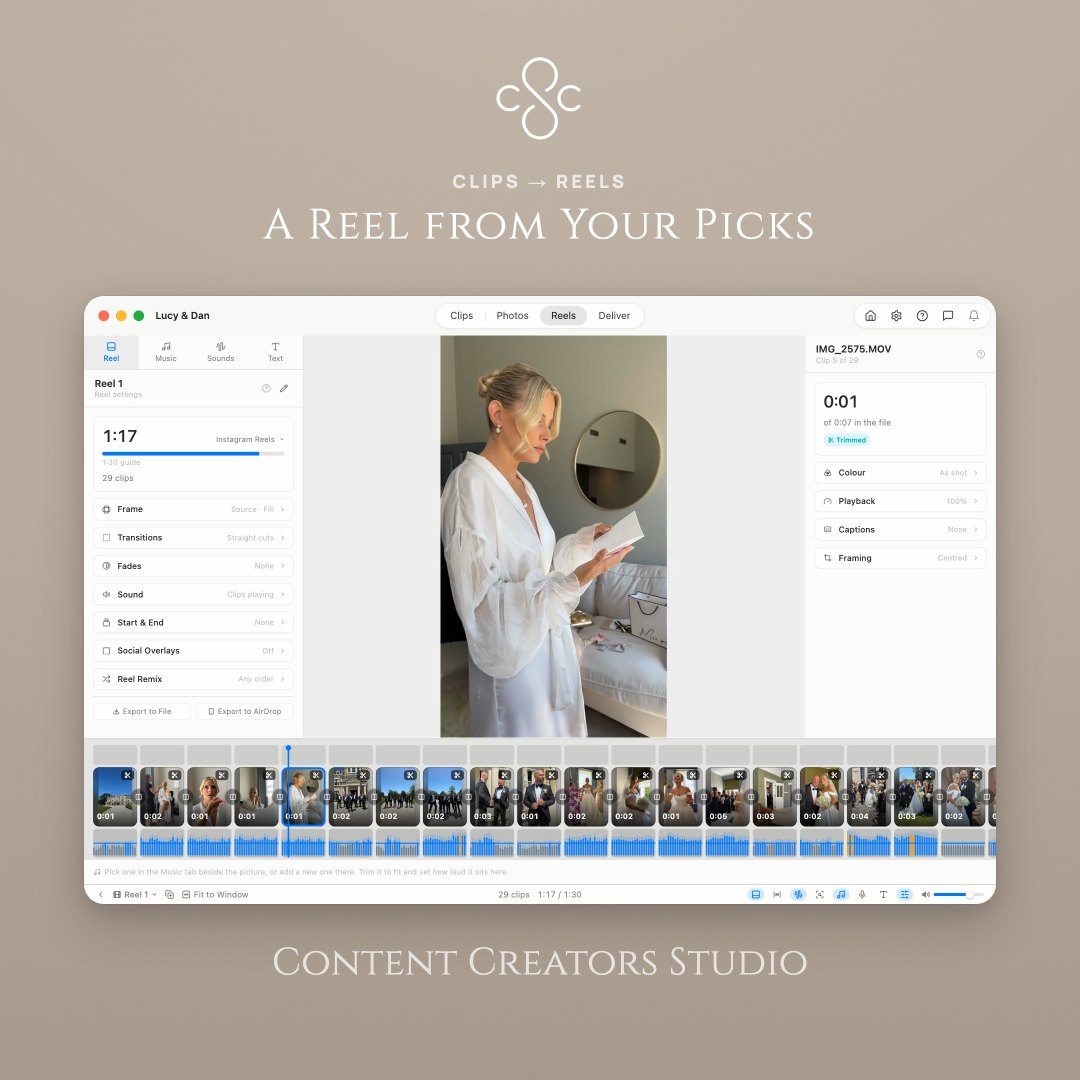
- —The music library is yours to use in reels while you're subscribed, client work included. A reel you've already exported stays licensed for good, whatever happens to your subscription afterwards.
- —The app changes your files only when you ask it to, and keeps your ratings and reels in a file inside your own footage folder.
- —Keep your own backups. The app is careful, but it isn't a backup system.
1. Who these terms are between
Content Creators Studio ("the app") is made and sold by The Digital Pro ("we", "us", "our"). These terms are the agreement between you and us covering your use of the app.
Agreeing to them here, or carrying on using the app, means you accept them. If you don't, don't use the app — Quit closes it and nothing is kept.
If you're using the app for work, you're confirming that you're allowed to agree to these terms on behalf of the business you work for.
2. The licence we give you
We give you a personal, non-exclusive licence to install and use the app on up to three Macs you own or control, for as long as your trial or subscription is running.
Use it for whatever work you like, personal or commercial. What you make with it is yours: we claim nothing in your footage, your reels or your exports, and we ask for no credit.
The app itself stays ours. This is a licence to use it rather than a sale of it, and nothing here hands over ownership of the software or its design.
Your licence key is yours. Using it on your own Macs is what it's for; publishing it, or handing it to people outside your household or business, isn't.
3. What you can't do with it
Please don't sell, rent, lend or sublicense the app or your key; publish your key or any means of getting round the licence check; take the app apart, decompile or reverse engineer it, except as far as the law expressly allows; remove or obscure any copyright or ownership notice; or use the app to break the law or to infringe someone else's rights.
Doing any of that may end your licence — see "Ending this agreement".
4. The free trial
The app is free to use in full for seven days. Nothing is held back during the trial and no card is needed to start it.
The trial runs per Mac and can be started once on each. It begins when you first agree to these terms, not when you downloaded the app.
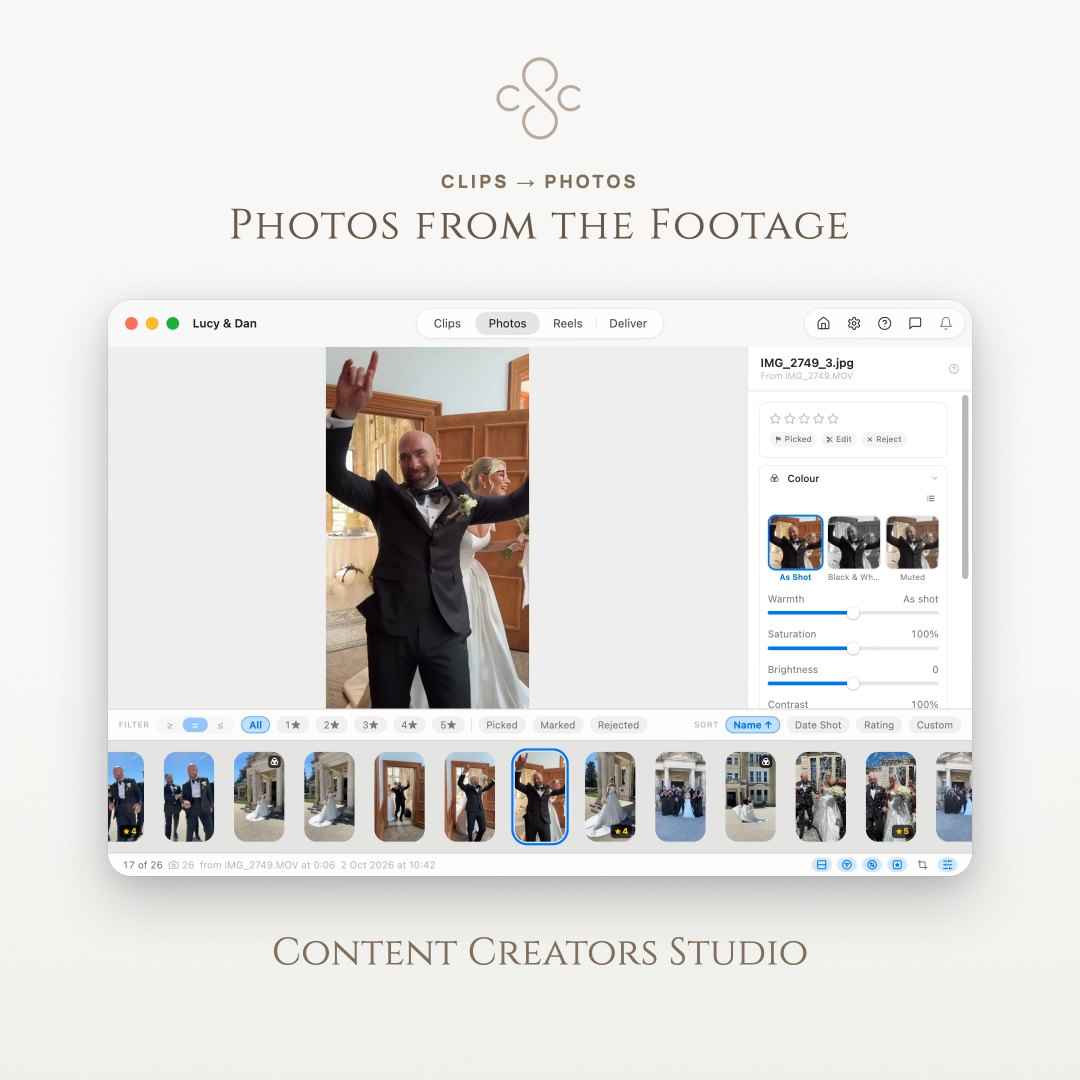
When it ends the app carries on opening your shoots and letting you browse, rate, mark and watch. Exporting a reel and capturing frames need a subscription from that point.
5. Subscriptions and payment
A subscription is monthly or annual, whichever you choose, and renews automatically at the end of each period until you cancel. The price is the one shown on our website when you subscribe.
Payment is handled by our payment provider. We're told whether your subscription is active and when the period ends; we never see or hold your card details.
You can cancel at any time from the licence page on our website. Cancelling stops the next renewal and leaves you everything you've paid for until the end of the period you're in.
If we change the price we'll tell you before it takes effect, and the new price applies from your next renewal. You're free to cancel instead.
6. Changing your mind, and refunds
If you're a consumer you have a legal right to change your mind about a new subscription within 14 days of buying it. We honour that and refund in full.
We'd rather you used the seven free days than paid for something that turns out not to suit you. Either way, if you subscribe and it isn't right, write to support@contentcreatorsstudio.co.uk within 14 days and we'll refund you.
That 14-day right covers a new subscription rather than an automatic renewal. Even so — if a renewal has caught you out and you haven't used the app since, get in touch and we'll look at it.
7. What happens when a trial or subscription ends
Nothing you've made goes away. Your ratings, marks, shoot details, reels and captured photos are kept in a file inside your own footage folder, and that's true whether you're subscribed or not.
Without an active subscription the app still opens your shoots, plays your clips, shows what you rated and marked, and shows your reels as you left them. Exporting and capturing frames stop until you subscribe again.
This app is the only thing that reads those files, so locking you out of your own decisions would be a poor way to ask for money. What's being sold is getting the reel out.
Subscribe again later and everything is where you left it.
8. Your footage and your work
Your footage is yours. The app works on files already on your Mac, and it never sends them to us — there is no version of this app that uploads your footage to us for any reason.
The one way footage leaves your Mac is a delivery you send to your own Dropbox, which is off until you connect an account and is covered in "Delivering to Dropbox" below.
What the app knows about a folder — ratings, marks, reels, shoot details — is written into a small file inside that folder, so your decisions travel with the footage. That file is yours as well. Stop using the app and it stays exactly where it is.
You're responsible for having the right to use the footage, music and images you work with. The one exception is the app's own music library, which comes with the permission set out in "The music library" below.
9. The music library
The app comes with a library of music you can put under a reel. Those tracks are ours, or licensed to us by the people who made them. Downloading one doesn't make it yours: what you get is permission to use it in the way this section describes.
While your trial or subscription is active, you may use library tracks in reels you make with this app — including reels you make for clients, and reels you post wherever you post them. There's no extra fee and no limit on how many.
A reel you exported or delivered while your trial or subscription was active stays licensed for good. If you stop subscribing, that reel is still yours to keep, to leave posted, and to have handed to whoever you made it for. We won't come back to you about it.
What ends when a subscription ends is making new ones. Without an active subscription, library tracks may not be put into new work. The files you've downloaded stay on your Mac, and the library stays open to browse, so everything is where you left it if you subscribe again.
Some tracks are made by other people and show a credit line in the app. Using one of those means giving that credit wherever the reel is posted. Copy Music Credits, in the reel's panel, writes out the lines for you.
The tracks are for reels made with this app, and for nothing else. You may not sell, share or give away the audio files themselves, put them in another library or collection, offer them as your own work, or use a track on its own as a piece of music rather than as part of a video you made here.
We add tracks and sometimes take them away — a licence to us ends, or a recording is replaced. A track withdrawn from the library stays on your Mac and stays licensed for the reels you had already delivered with it.
10. Licence checks, and what the app sends us
To know whether your trial or subscription is running, the app talks to our licence server. When it does it sends an identifier for this Mac, the Mac's name, its macOS version, the app's version and — once you've entered one — your licence key. Releasing a seat also sends the email address you subscribed with, which is what stops a leaked key being used to turn off someone else's Mac.
The Mac's name is sent so the licence sheet can offer you "Dan's MacBook Pro" rather than a string of characters when you're choosing which Mac to release.
The app checks about once a day and keeps working offline for a good while in between, so a bad hotel connection doesn't stop you working.
When you choose to send feedback it sends what you wrote, the email address you gave if you gave one, an identifier for this Mac, your licence key if you've entered one, its macOS version and the app's version, so we can reply, find your licence if the problem is with it, and reproduce what went wrong — and only when you press Send. You can attach one screenshot to it, and only if you choose to; the app shows you the picture in the window before it goes, shrinks it, and sends nothing else from your Mac with it.
Now and then the app may offer a short survey on its home screen. When you choose to answer one it sends your answers, an identifier for this Mac, its macOS version, the app's version and that it came from our website, so each Mac is counted once — and only when you press Submit.
If the app crashes or stops responding, the next time it opens it sends us the report macOS made of where in the app that happened, with the app's version, that it came from our website, the macOS version and the model of Mac, so we can fix it. It carries no identifier for this Mac and no licence key, and the app takes out the region your Mac is set to, the wording of any error message and any file or folder name before it's sent. This one isn't asked for each time, so it has its own switch in Settings, and turning it off throws away anything not yet sent.
Apart from a screenshot you attach, it never sends your footage, your ratings, your reels or anything about what's in your folders.
Our privacy policy at www.contentcreatorsstudio.co.uk sets out what we hold and for how long.
11. Delivering to Dropbox
The app can send a finished delivery to your own Dropbox and give you a link to pass to a client. It's optional and it does nothing until you connect an account: no part of it runs, and nothing leaves your Mac, unless you set it up and then choose Dropbox as the place a delivery goes.
You sign in through Dropbox's own window. We never see your Dropbox password, and nothing about your Dropbox account or the files you send passes through us — the app talks to Dropbox directly. The connection is kept in your Mac's keychain, and Settings → Dropbox disconnects it whenever you like.
The app can only reach its own folder, Apps/Content Creators Studio. It cannot read, list or change anything else in your account. That limit is set where the app is registered with Dropbox rather than being a switch either of us can turn off.
What goes up is what you chose to deliver — the clips, photos and reels in that delivery. Dropbox is a separate company, and what happens to files once they're in your account is governed by your agreement with Dropbox rather than by these terms. Their service, its availability and your storage allowance are theirs: a delivery that won't fit in your account will fail, and there is nothing we can do about the size of it.
A delivery link works for whoever holds it, so treat it as you'd treat the footage — anyone you send it to can pass it on. If your Dropbox belongs to a team, your team's settings may stop links working outside it, and a client won't be able to open one. The app tells you when it can see that has happened, but the setting belongs to Dropbox and to you.
The app never deletes anything from your Dropbox. Delivering the same project again replaces the files it wrote last time and leaves everything else exactly where it is, so a reel you've since dropped from a delivery stays up there until you take it down yourself. Signing out in the app removes nothing that has already been sent, and doesn't stop links that already exist from working.
You're responsible for having the right to upload and share what you send, and for who you give a link to. Once a file is in your Dropbox, or a link is in somebody's hands, what happens to it is between you, them and Dropbox.
Dropbox can change or withdraw the way apps connect to it. If that happens this feature may stop working, and delivering to a folder on your Mac would remain the way to get your work out.
12. Updates
The app can check whether a newer version exists and tell you about it. Whether you install it is up to you.
New versions may add, change or remove features. We won't take away something you rely on lightly, but an app that's still being made will change.
13. Your files, and backups
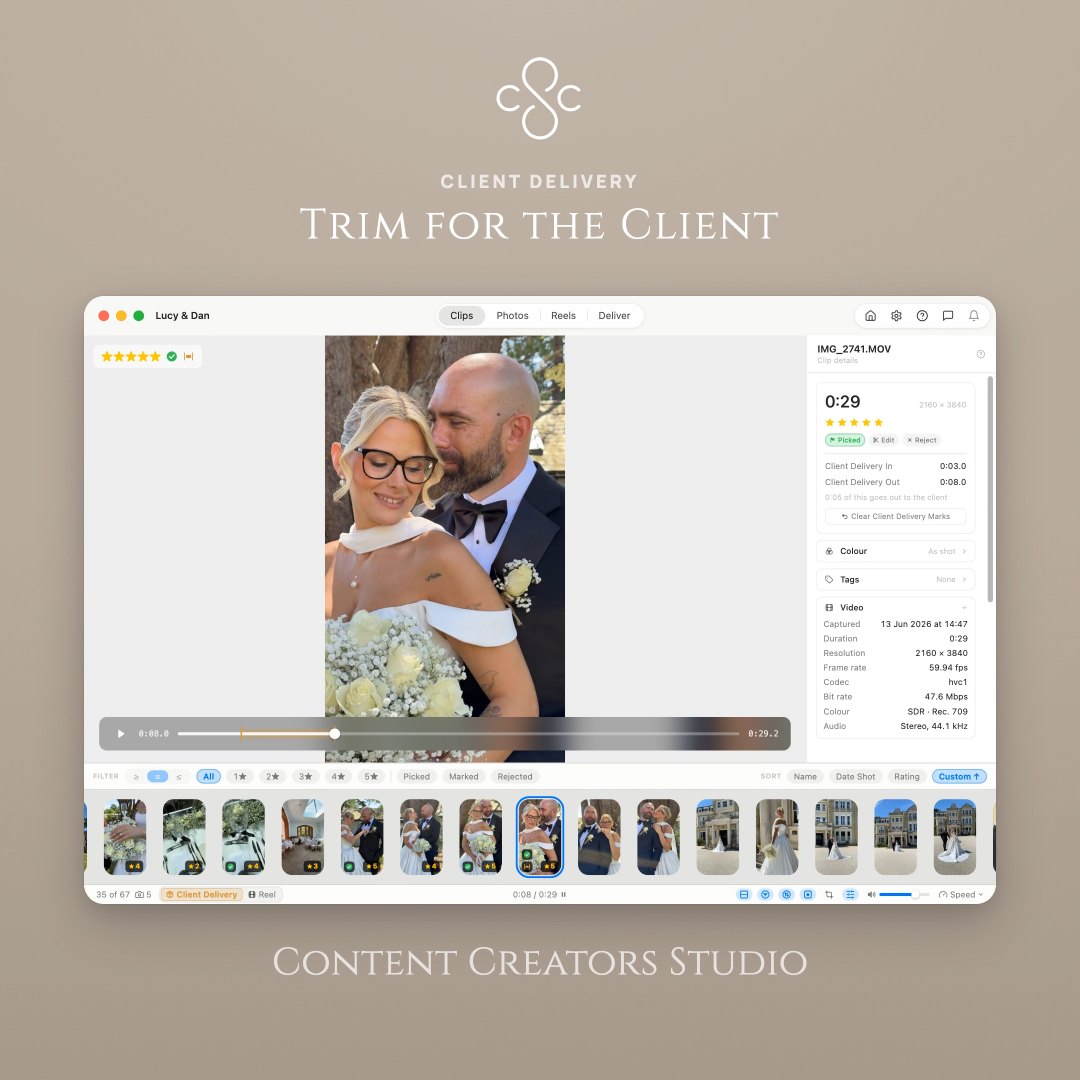
The app doesn't change your footage unless you ask it to. Trimming offers either a new file or replacing the original, and only replaces it if that's what you choose. Moving a clip to the Trash asks first, every time.
It also keeps recent copies of the file holding your ratings and reels, beside your footage, so a bad write doesn't cost you a day's work.
None of that is a backup system, and none of it is a substitute for one. Keep your footage backed up the way you would anyway.
14. What we promise, and what we don't
We've built this carefully and we use it ourselves. Even so, the app is supplied as it is: we can't promise it will be free of faults, that it will run uninterrupted, or that it will suit a particular purpose you have in mind.
If you're a consumer, nothing in these terms takes away the rights the law gives you — including your right to software of satisfactory quality, fit for purpose and as described.
15. If something goes wrong
We're not liable for footage or work you lose, however that happens; for lost profit, income, contracts or opportunities; or for any loss that wasn't a reasonably foreseeable result of us getting something wrong.
Where we are liable, our liability is limited to what you've paid us in the twelve months before the problem arose.
Nothing in these terms limits our liability for death or personal injury caused by our negligence, for fraud, or for anything else that can't lawfully be limited.
16. Ending this agreement
You can end it whenever you like by cancelling your subscription and deleting the app.
We can end your licence if you break these terms in a serious way — publishing your key, working round the licence check, or using the app unlawfully. If we do, we'll tell you why, and we'll refund the unused part of the period you've paid for unless the breach was deliberate.
However it ends, your footage and the files the app has written into your folders are untouched and stay yours.
17. Changes to these terms
We may update these terms as the app changes. When a change is significant the app will ask you to read and accept the new version before carrying on; smaller corrections we simply publish.
The current terms are always in the Help menu and on our website.
18. Which law applies
These terms are governed by the law of England and Wales, and the courts of England and Wales have jurisdiction over any dispute arising from them.
If you're a consumer living in Scotland or Northern Ireland you can also bring proceedings in your own country's courts. If you're a consumer living elsewhere, you keep the protection of any mandatory laws of the country you live in.
19. Getting in touch
Write to us at support@contentcreatorsstudio.co.uk. We read everything.
Questions about any of this: support@contentcreatorsstudio.co.uk. Our privacy policy sets out what we hold and for how long.