Everything it does
One window, from phone to client
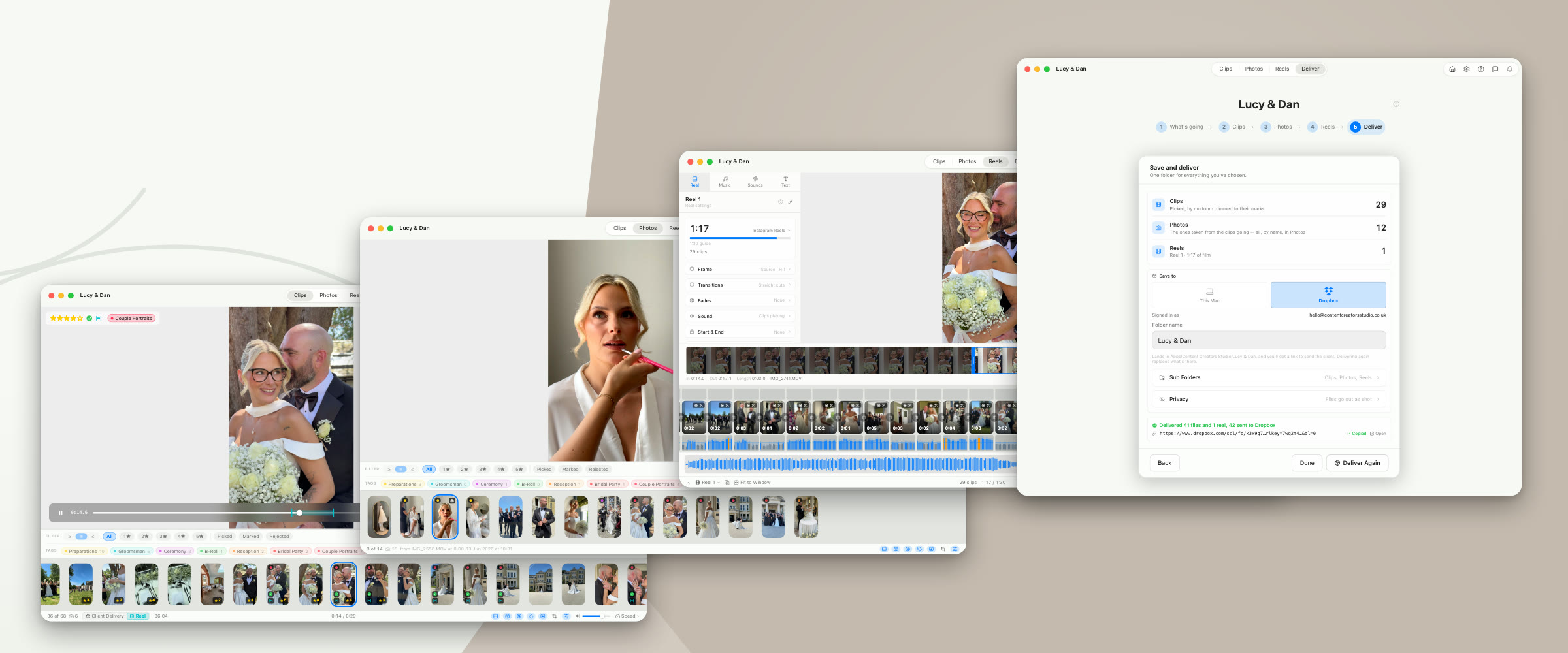
The short version: it saves you the afternoon you currently lose to your own footage, whether that is a week of social posts or a wedding off two phones. The long version is below, in the order you’d actually meet it: import, cull, edit, deliver.
Import
Getting the shoot in
Import from iPhone
Plug the phone in, tick a day or pick clips one by one, and copy them into the project or a shoot folder of their own.
One Shoot, Many Cards
Every card of footage in a job folder browses as one shoot, even when two hold an IMG_0001.MOV.
Cull & Perfect
Finding the keepers
Visual Horizontal View
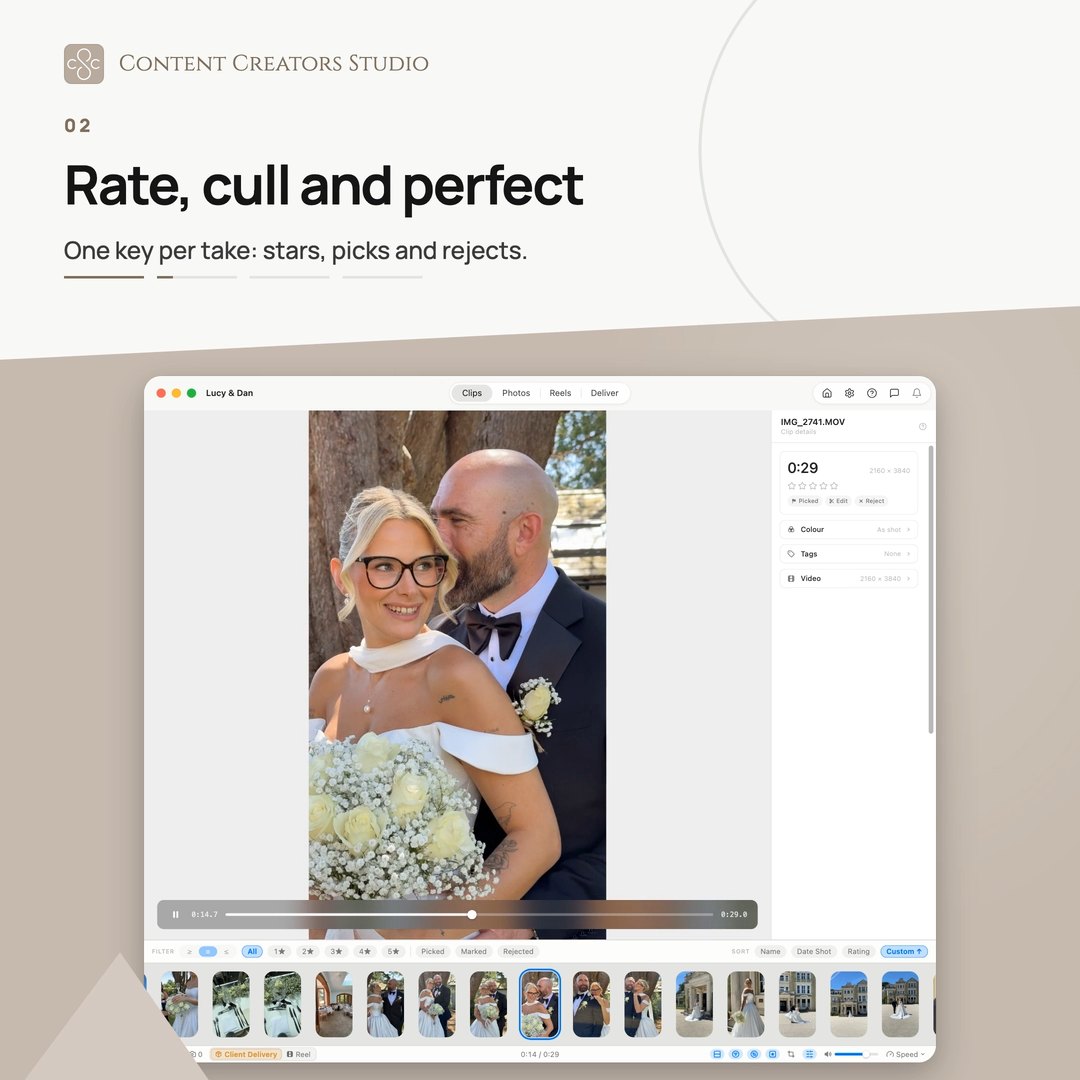
Every clip as a thumbnail in one responsive grid. See the whole shoot at a glance.
Instant Preview
Whatever you highlight previews instantly as you move through the clips.
Star Ratings
Rate one to five stars, then filter straight to your best footage.
Pick/Reject Selection
Keepers and rejects on a single keystroke, for a fast first pass.
Tags
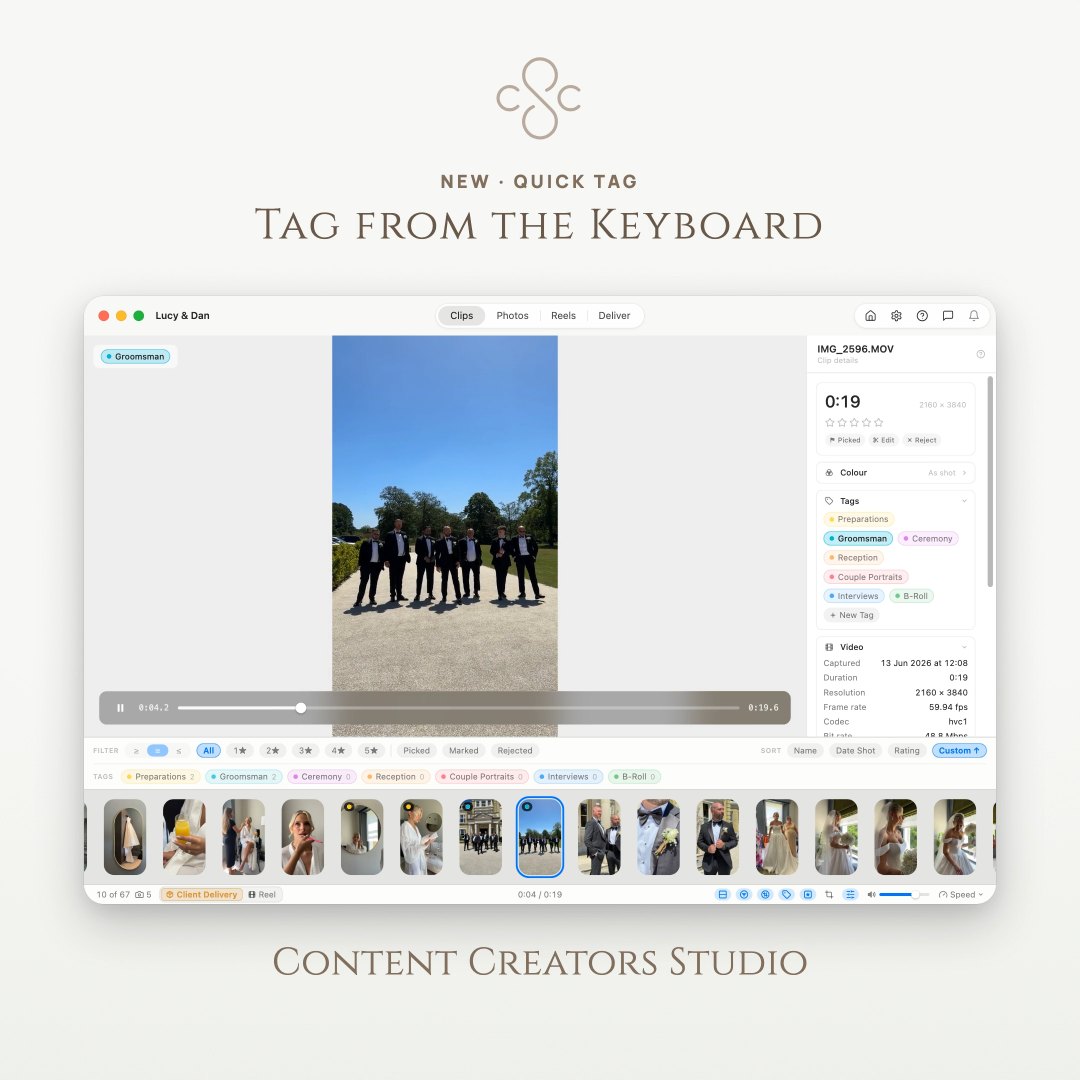
Stars say how good a take is, tags say what it is. Filter by them, and delivery folders build themselves.
Keyboard Hotkeys
Navigate, rate and select without touching the mouse.
Mark In and Out
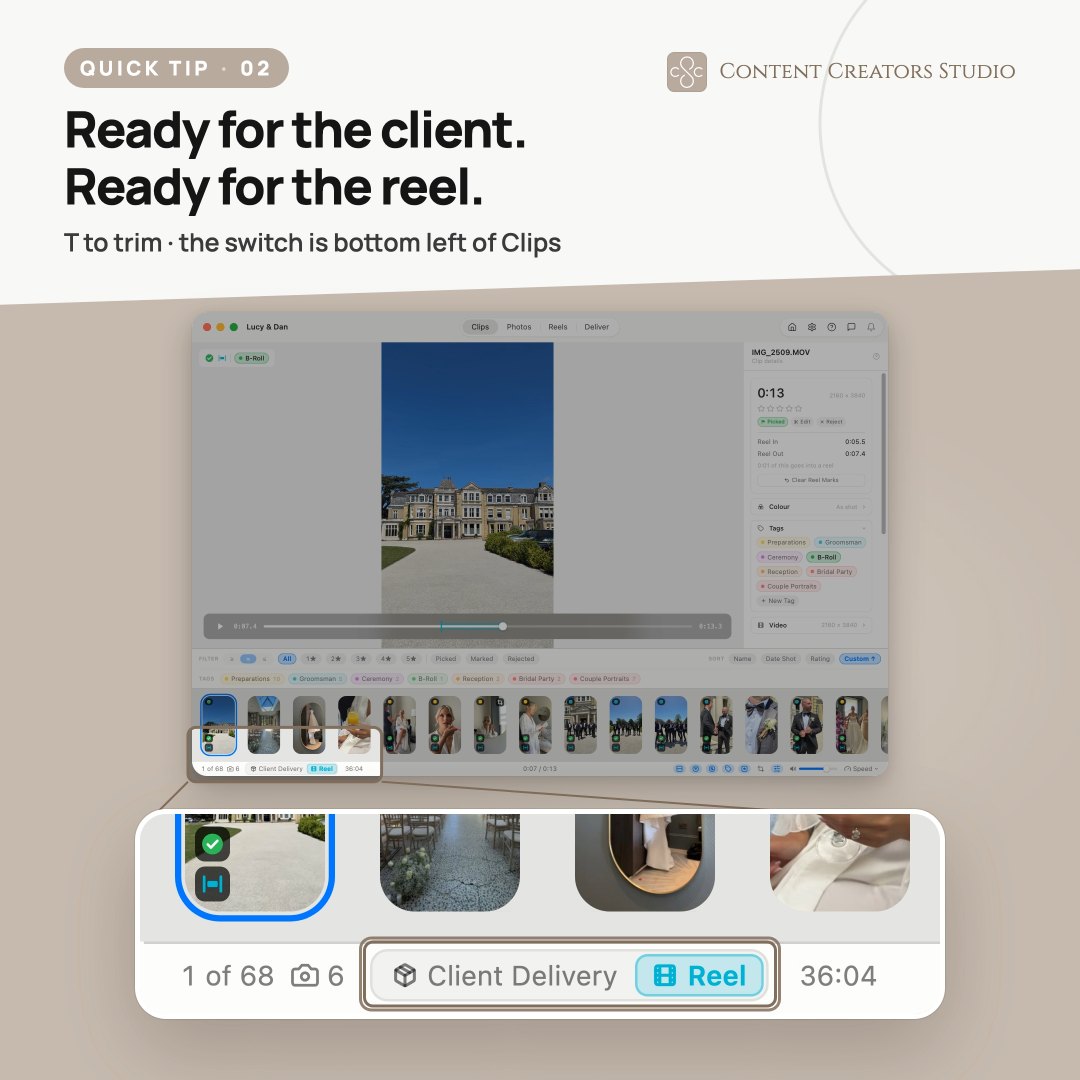
Press I and O while you watch. Nothing is cut, and the clip goes into a reel already trimmed.
Two Trims Per Clip
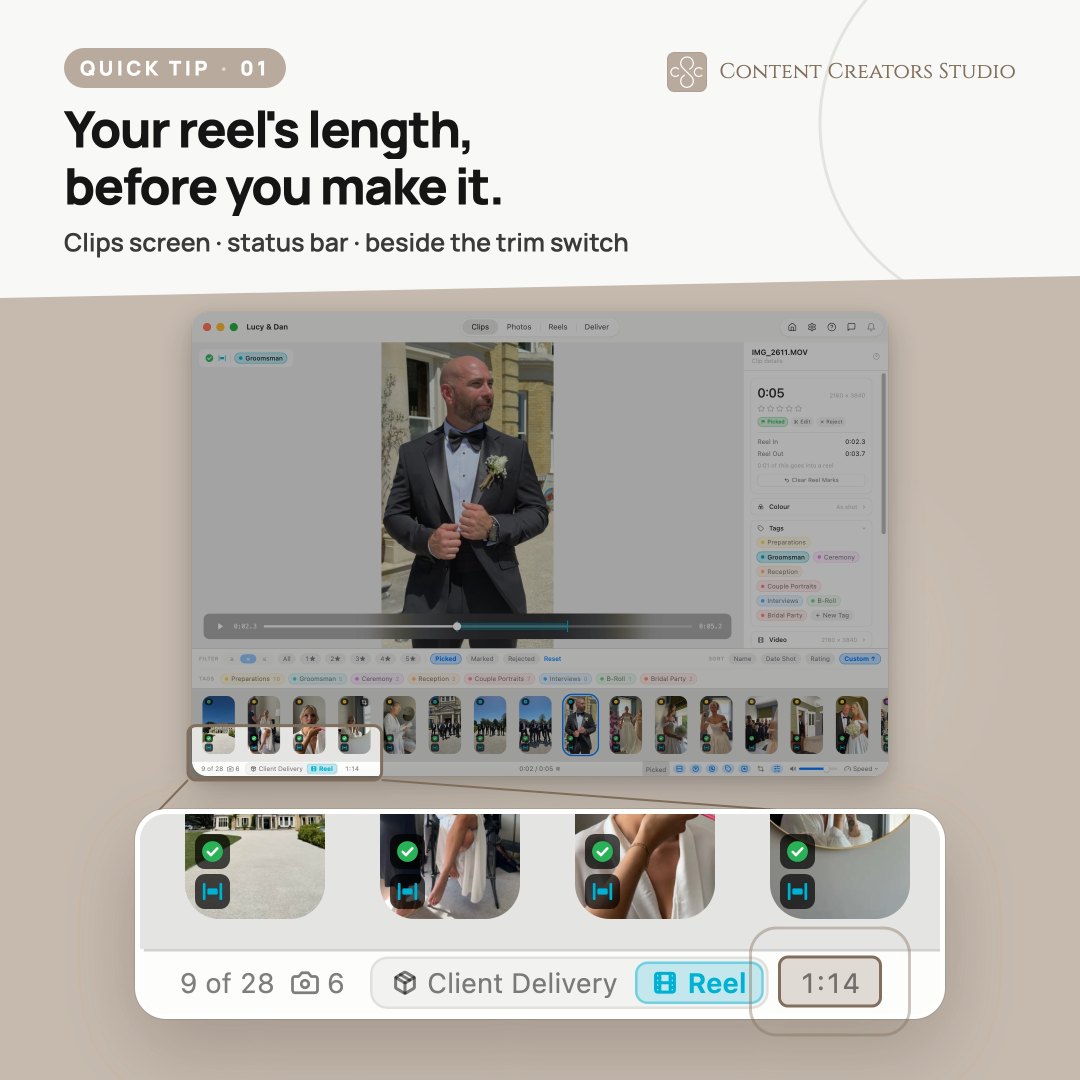
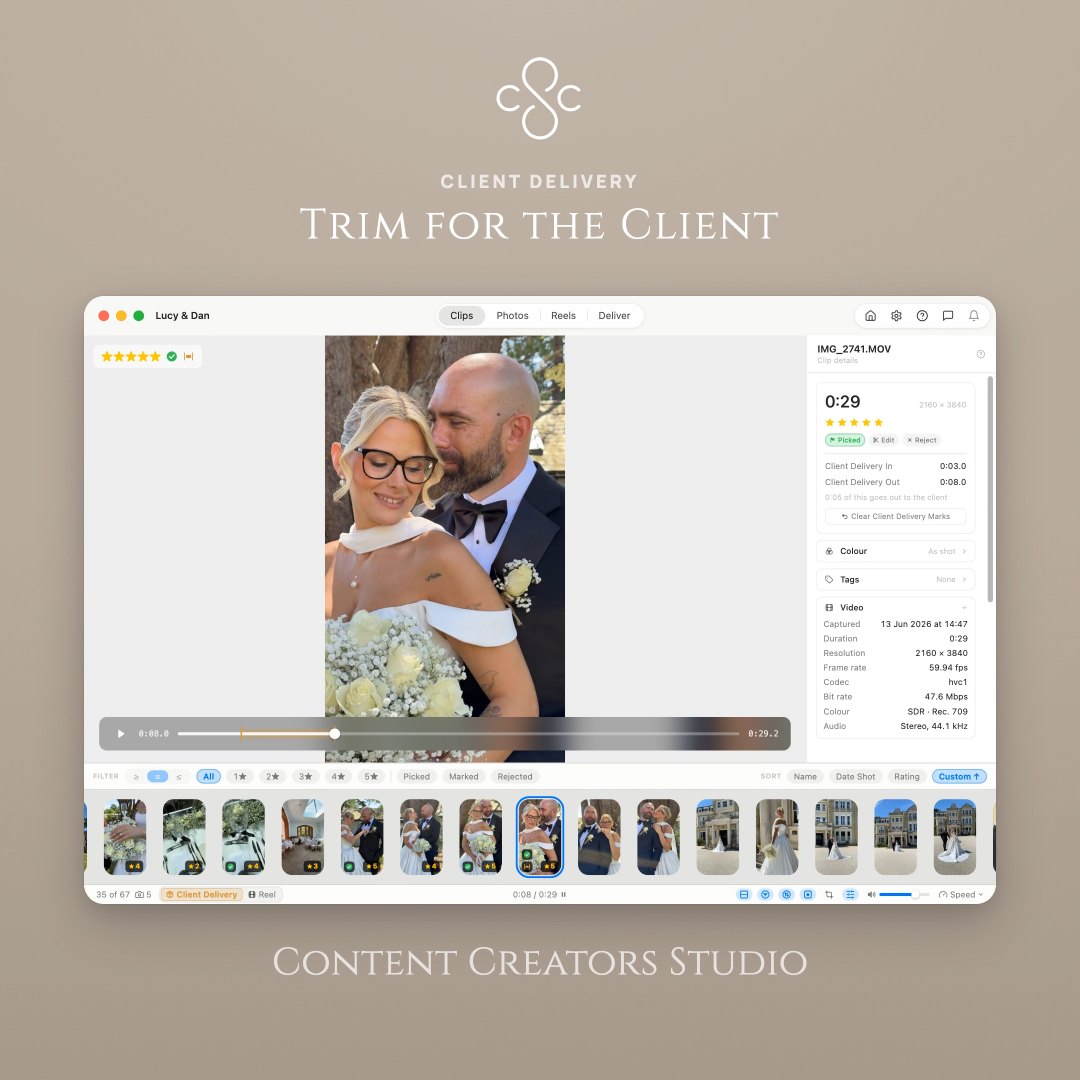
One clip keeps two sets of marks, a long one for the client and a tight one for the reel.
Lossless Trimming
Trim without leaving the app. Save over the original, or keep the trim as a new clip.
Split Clip Creator
Mark every good moment in one long take, then write them out at once as numbered clips.
Reframe a Clip
Zoom and drag to choose what the frame keeps. It follows into reels and exports, and never touches the file.
Photos
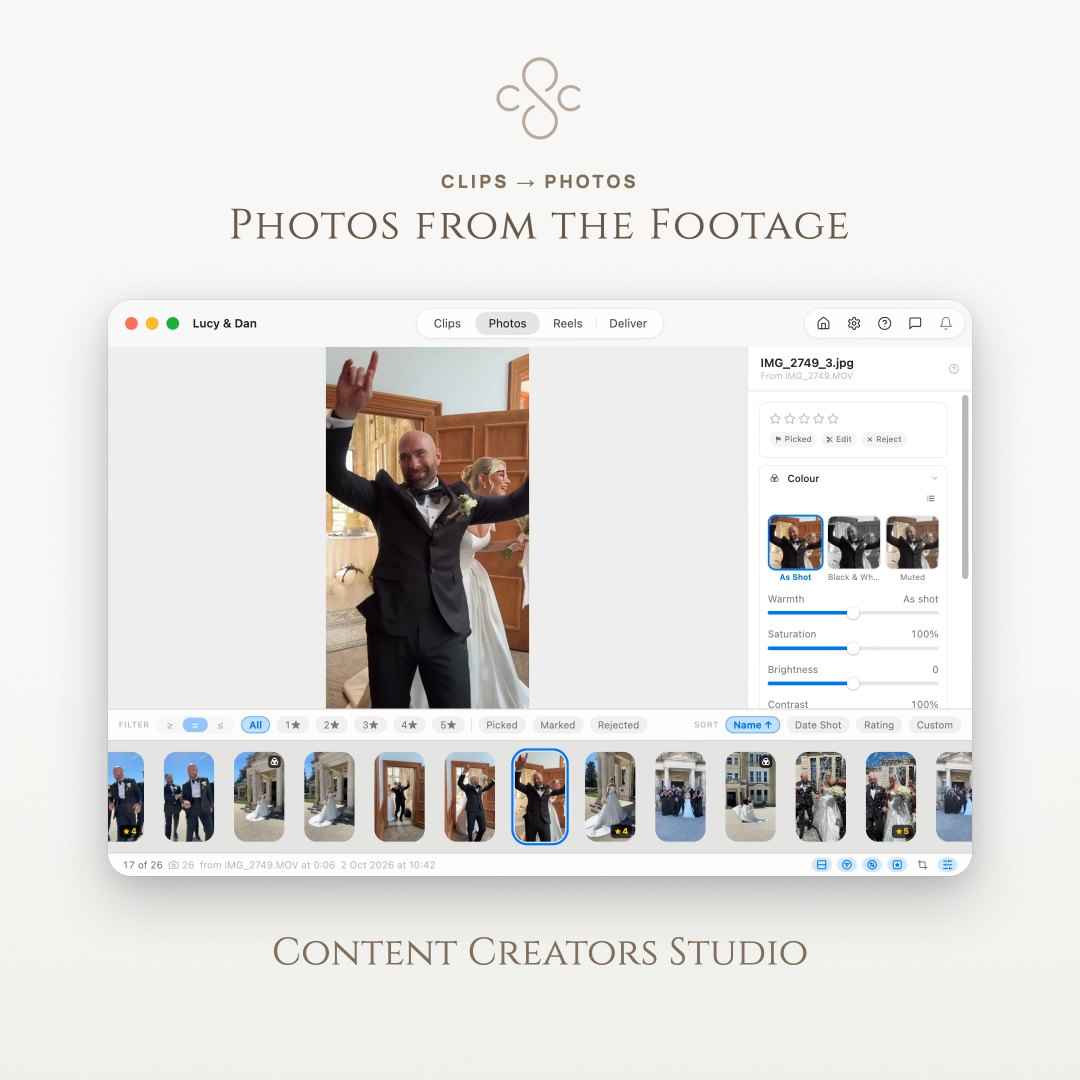
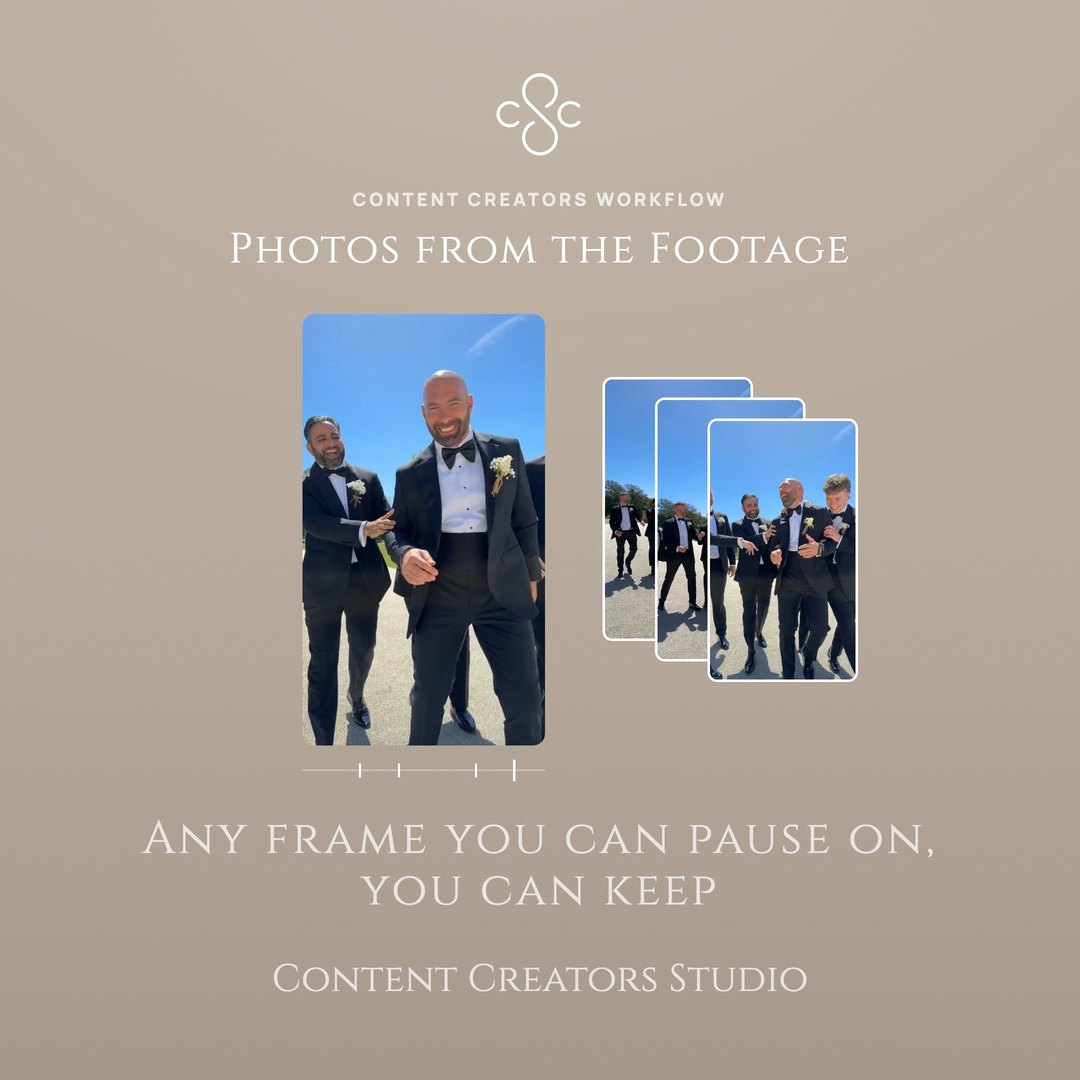
Press C on any frame while you watch and it is yours, held full size on the Photos screen.
Multicam
Two clips of the same moment, lined up by their sound. Watch once, pressing 1 or 2 to change angle.
Edit
Cutting the reel
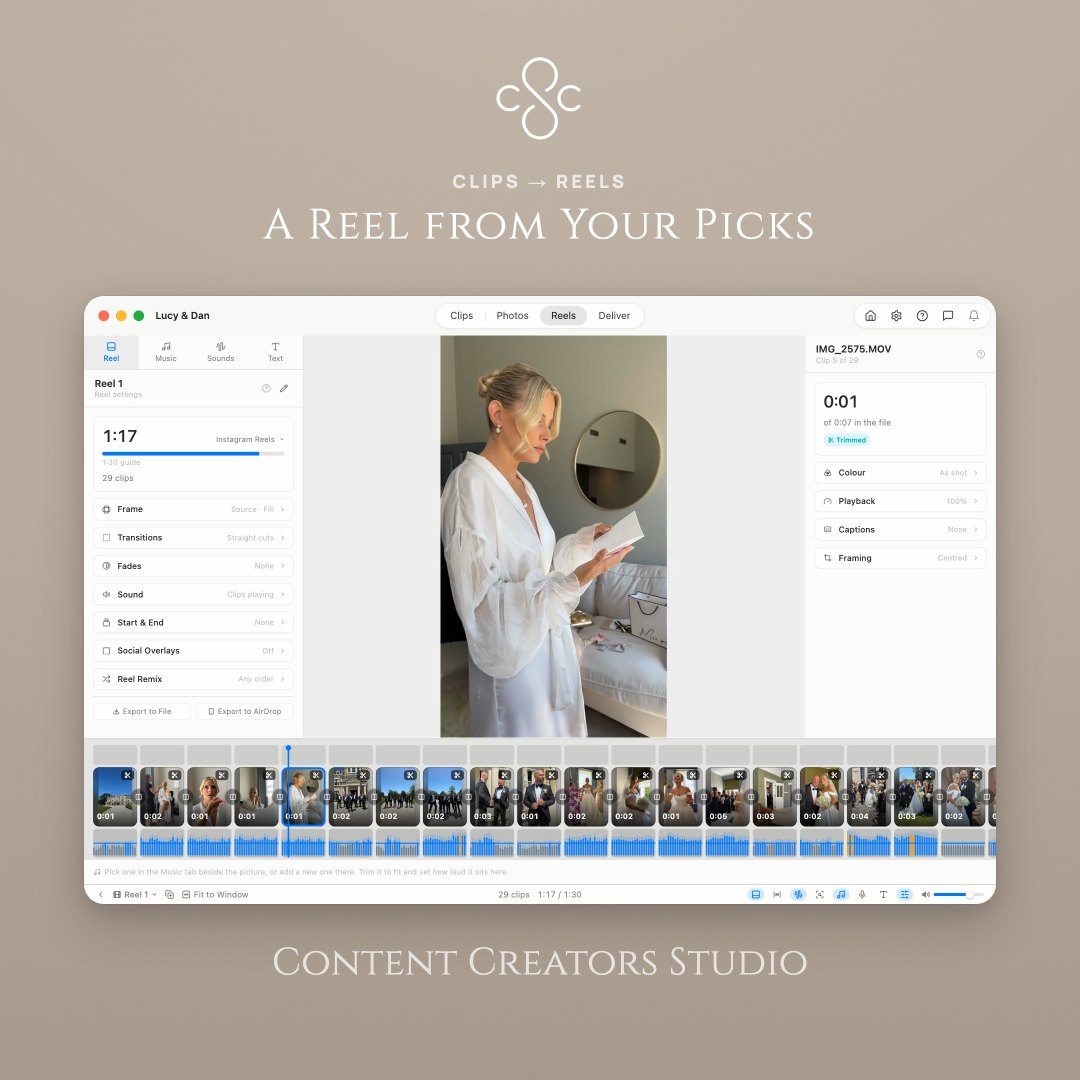
Reels
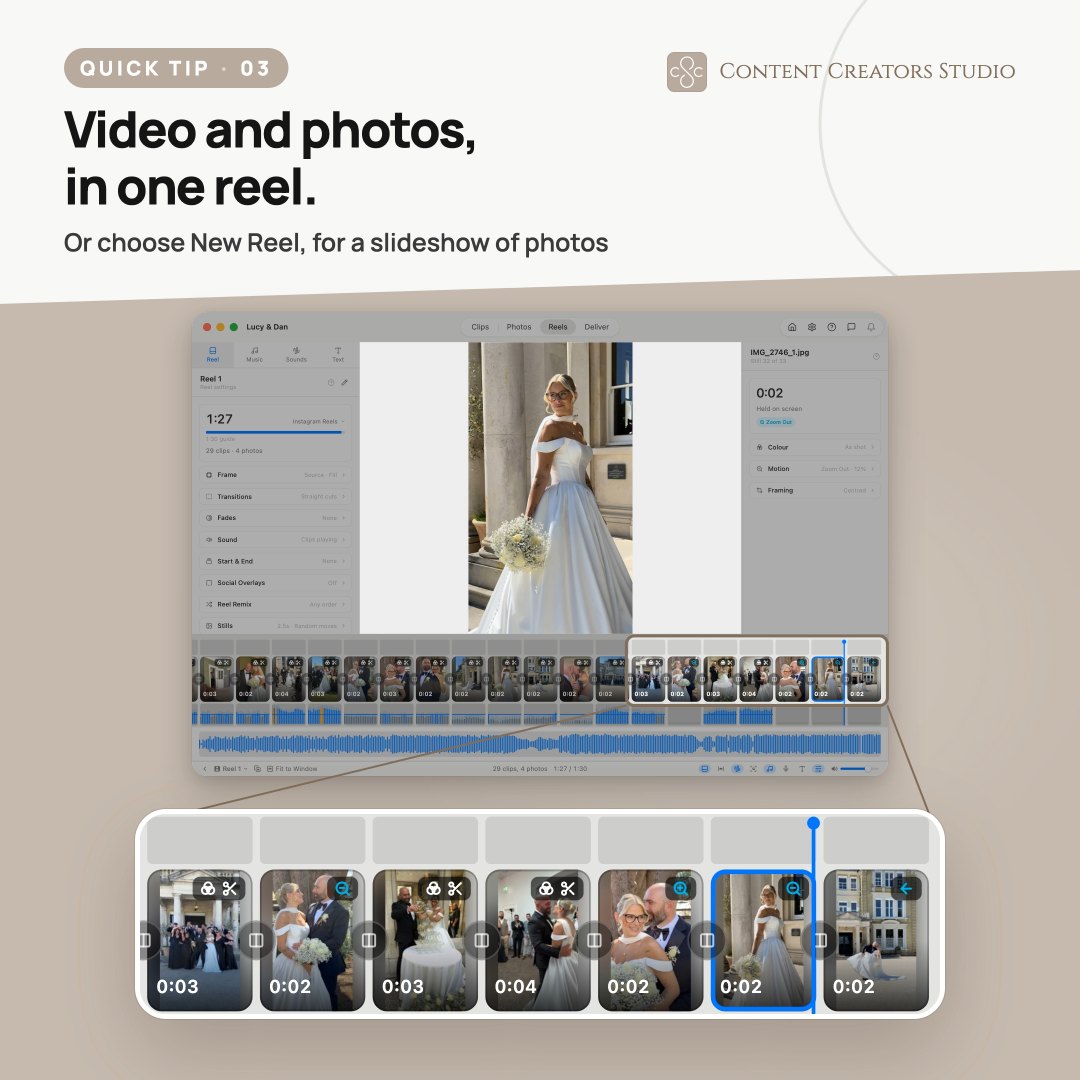
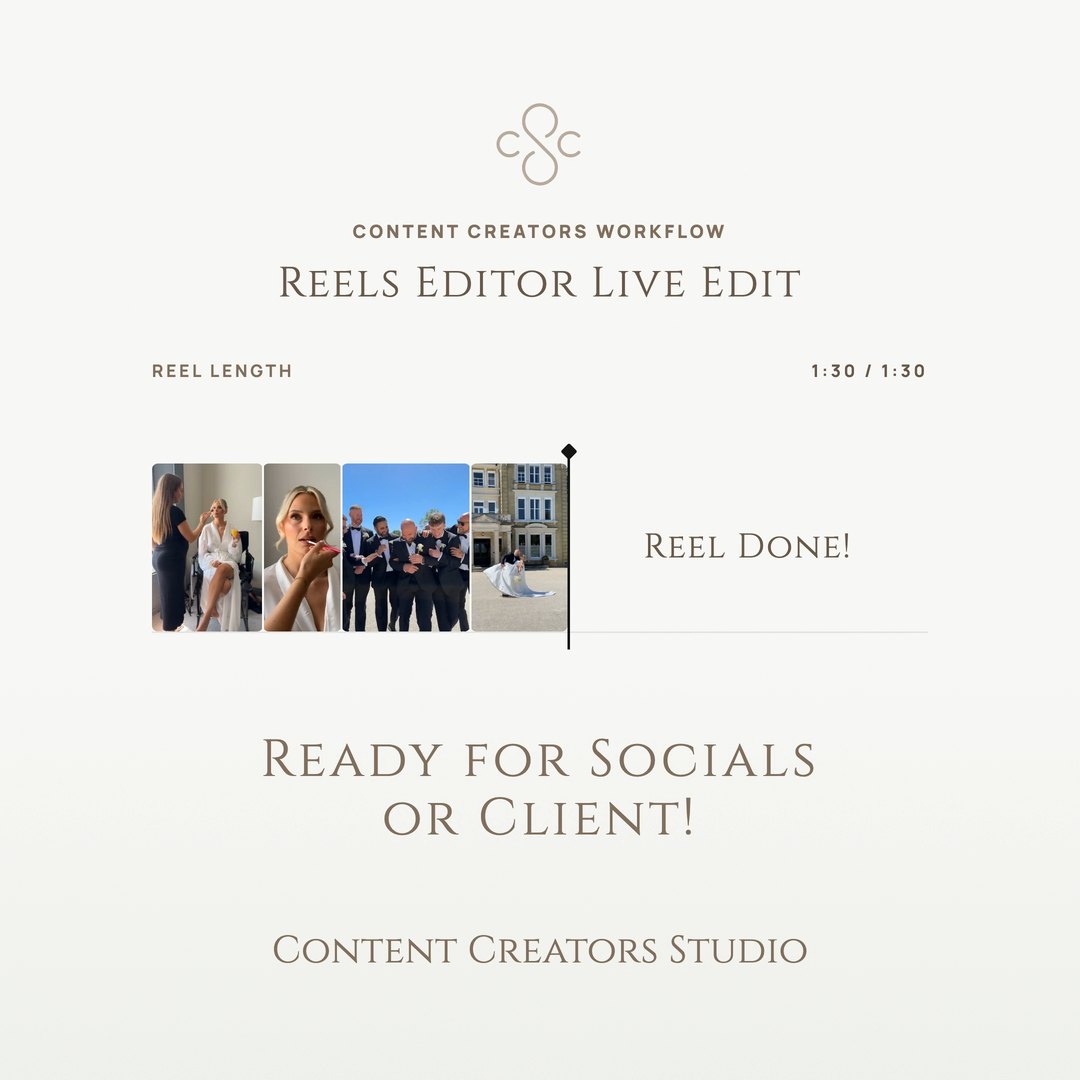
Join your picks, trim, split and reorder, then export one file. The reel plays live as you cut it.
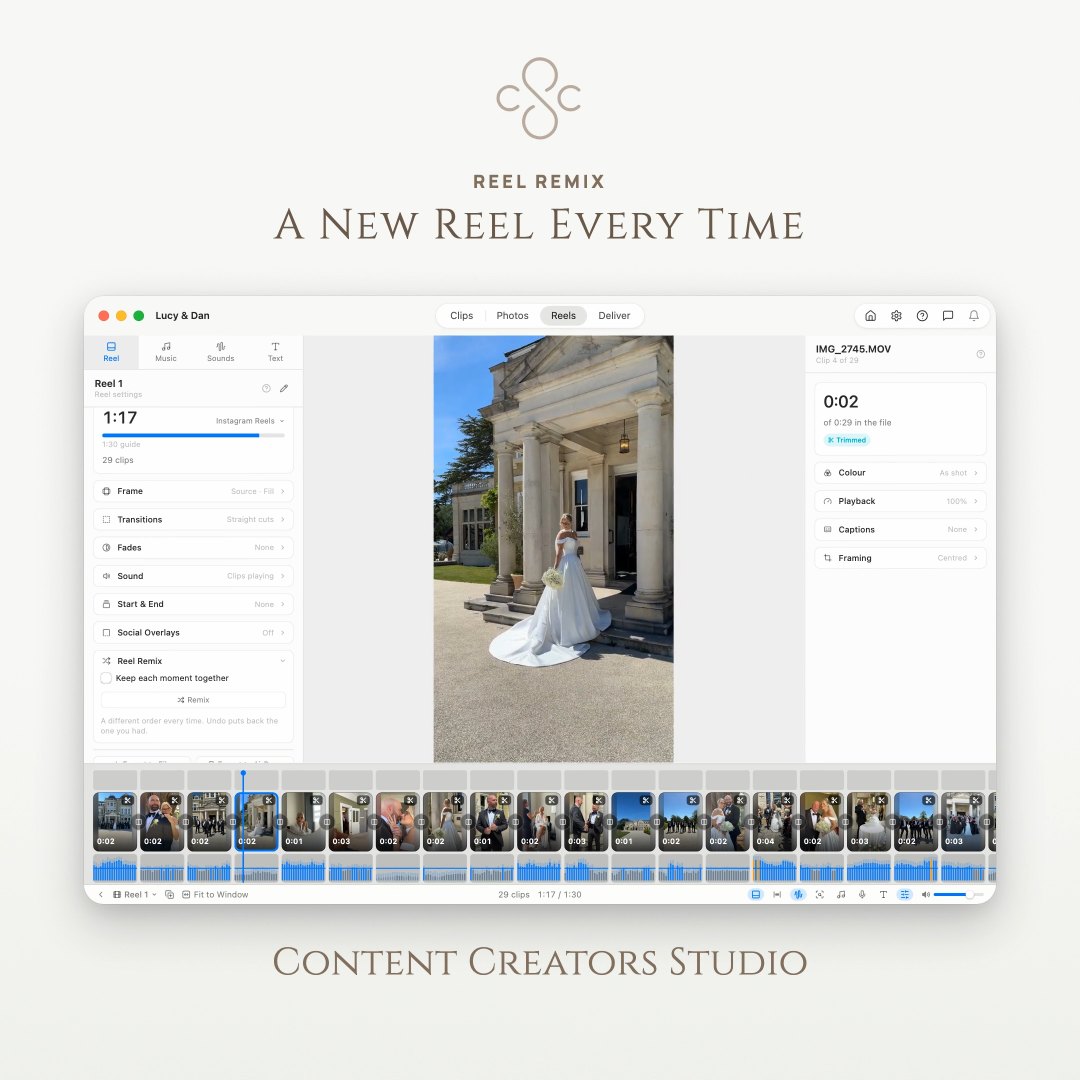
Reel Remix
One press deals the reel a new order, and a different one every time.
Smart Reel
Hand it your clips, a length and a pace, and it lays out a first cut from the steadiest, sharpest stretch of each. Experimental, and yours to recut.
Watch the filmText Over the Reel
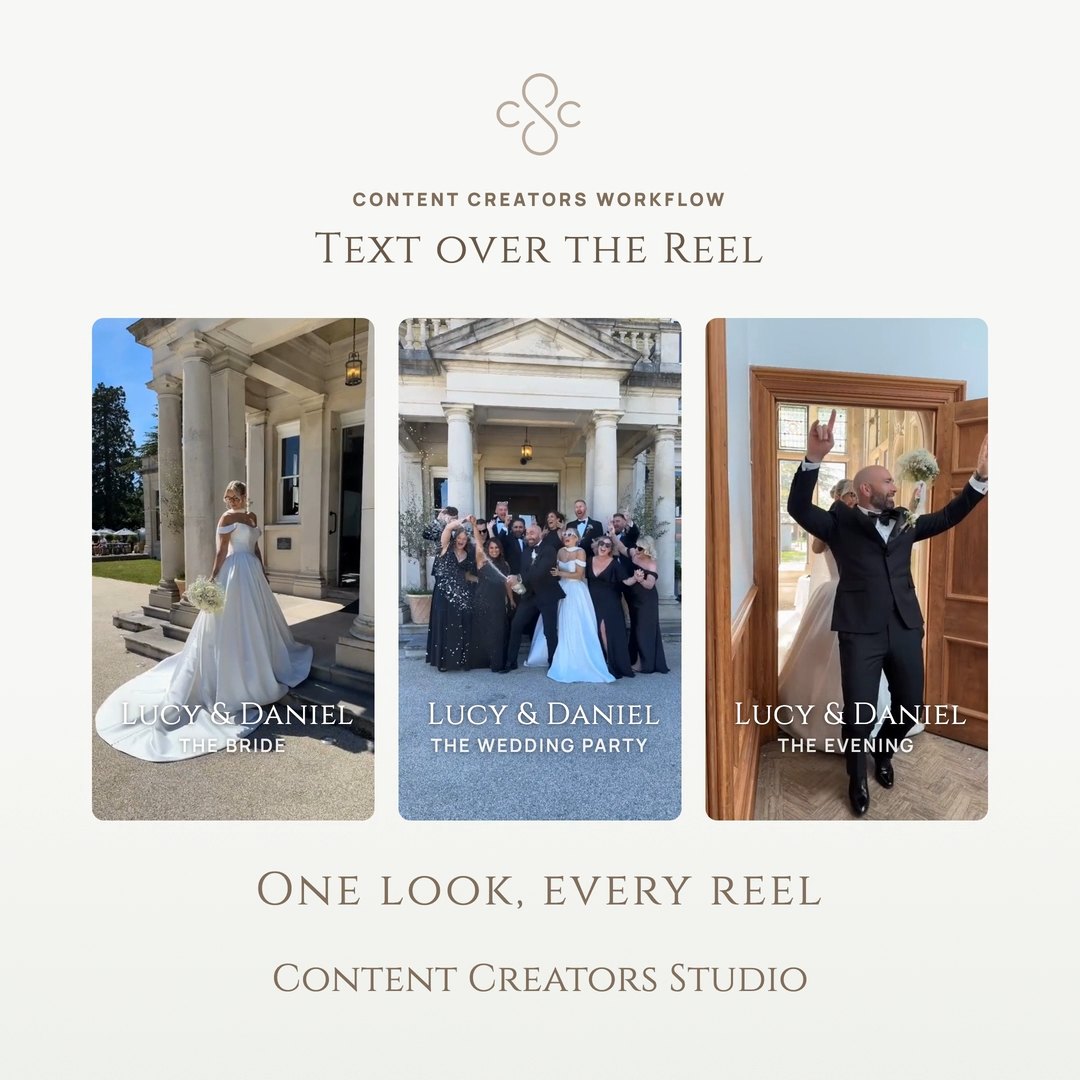
Titles and captions in any font, with background boxes and animations, and a guide showing where Instagram puts its buttons.
Put a Logo on a Reel
Drop in a transparent PNG and place, time and animate it exactly as you would a line of text.
Open and Close on a Background
Eight looks or your own colour at either end, for an opening card and a sign-off plate.
Reel Templates
Save a reel without its clips, then start the next one from it in any project.
Audio Levels
A lane showing how loud every clip is before you hear it, orange where it is too loud.
Stills That Move
Captured frames in a reel or a slideshow, each with a Ken Burns zoom or pan, random if you like.
Score With Music
As many tracks as the cut needs, trimmed against a waveform and fading where you say.
A Growing Music Library
A shelf of cleared tracks inside the app, grouped by genre, downloaded on a click.
The Vows, Over the Camera’s Picture
Take the sound from a phone near the speaker and lay it over the camera’s clip, lined up by ear. The room stays under the voice rather than cutting out.
Lift a Line From Another Take
A vow, a line from the speeches or a piece to camera, laid under a montage that was shot silent. The clips and the music dip while it plays.
Speed, Per Clip
Run a clip faster or slower than it was shot, inside the reel. The running length updates as you change it, and the file is never touched.
Record a Voiceover
The reel plays while you speak, so your words land where you said them. Redo any take.
Sound Slicer
Take a stretch out of the middle of a sound and let either side close up. Always reversible.
Captions From the SoundmacOS 26+
Writes what was said onto the picture, timed to the words and lit up as each is spoken. Nothing leaves your Mac. Needs macOS 26 or later.
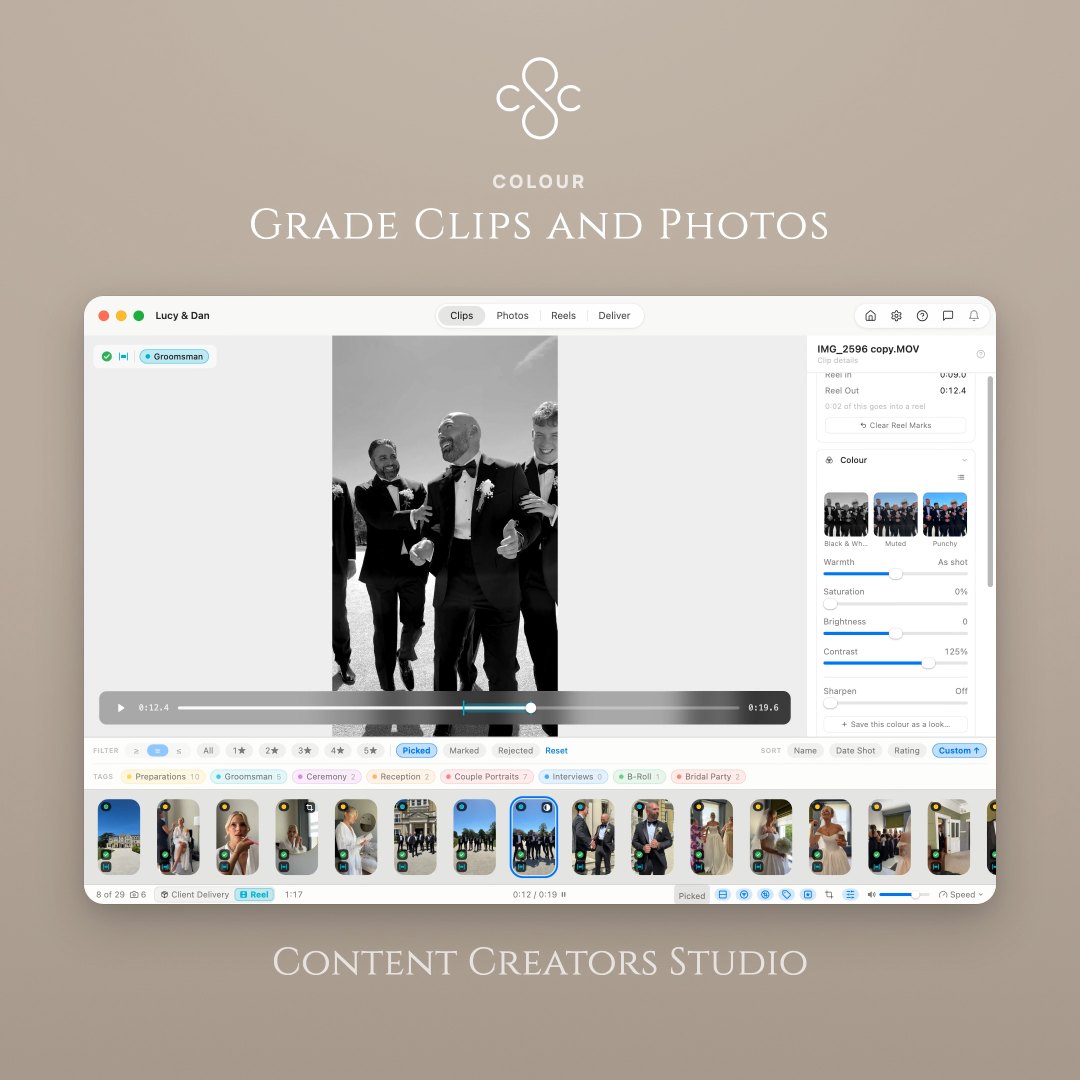
Colour Grading
Grade each clip, match one to the next in a click, and save looks to reuse.
Dissolves & Fades
A dissolve cut by cut, and open or close the reel on black or white.
Deliver
Handing it over
One Delivery, Everything In It
Clips, photos and reels into one folder, filed as they land. Carry on working while it runs.
Straight to Dropbox
Deliver to your Dropbox with a link for the client. Deliver again and the link holds.
Client Delivery
Selects renamed in sequence, in the order you arranged them, with your own prefix.
Export up to 4K
Deliver in 9:16, 1:1 or 16:9 with length guides for Reels, Shorts and TikTok.
Send a Reel to Your Phone
AirDropped to your phone in one step, ready to post. No cable, and nothing left on your Mac.
Deliver Without the Camera Data
Strip the make, model and location the camera wrote in. Nothing is re-encoded.
Publish to GalleriesSoon
Send the finished clips, reels and photos from Deliver to a branded gallery your client can watch and download from. Galleries is its own subscription.
About GalleriesSafety net
Looking after the work, not the footage
Project Backups
Your footage is never moved. Ratings, grades and reels are saved beside it, and put back if anything goes wrong.
Live edit
The reel plays while you cut it
Reorder a clip, change a transition, push a grade across every shot — the reel keeps playing and shows you the result. There is no draft to export before you can tell whether it works, and no second app to round-trip through to find out.
- Trims, splits and the order of every clip
- Transitions cut by cut, and fades in or out of black
- Colour on one clip, matched to the next or pushed across all of them
- Music, trimmed against its waveform and levelled under the clips
- Frame and length guides for Reels, TikTok and Shorts
Which is where the afternoon goes on most edits.
Built for speed
Never reach for the mouse
Reviewing, rating, capturing frames and splitting a reel are all keyboard shortcuts. Once they’re in your hands, culling a shoot is a rhythm rather than a chore.
- Rate with stars
- 12345
- Mark as pick
- P
- Mark for edit
- E
- Reject clip
- X
- Quick Tag the clip
- Q
- Capture current frame as photo
- C
- Trim the selected clip
- T
- Mark where the clip starts
- I
- Mark where it ends
- O
- Sort panel, or split in Reels
- S
- Switch clips and photos
- M
- Play / pause preview
- Space
- Navigate clips
- ←→
- Jump 10 clips at a time
- ⇧←→
- Jump position in video clip
- ↑↓
The small print
Formats and limits
- Video formats
- Native format
- Export up to
- 4K in 9:16, 1:1 or 16:9
- Deliver to
- A folder on your Mac, or your Dropbox
- Requires
- macOS 15 or later
- Runs on
- Apple silicon Macs only
- Captions need
- macOS 26 or later
- One licence covers
- Up to 3 Macs
- Updates
- New features and fixes
Also included
- Filter and sort your clips
- Custom drag and drop ordering
- Sequential renaming with your own prefix
- Batch export with copy or move
- Length guides for Reels, Shorts and TikTok
- Light and dark mode theme support
Easier to try than to read about
Seven days free and no card, on the Mac you already work on. Try it on a shoot you have already delivered, because you know how that one ought to turn out.
Requires macOS 15 or later · Apple silicon only