Content Creators Studio — cull, cut and deliver a shoot at keyboard speed
Who it's for
Which type of content creator are you?
Content Creators Studio is a Mac app for people who shoot far more video on their iPhone than they have time to sort through. It takes a whole shoot from the phone to the client, or straight to the feed, in one sitting.
Hundreds of clips by the evening, and a client waiting
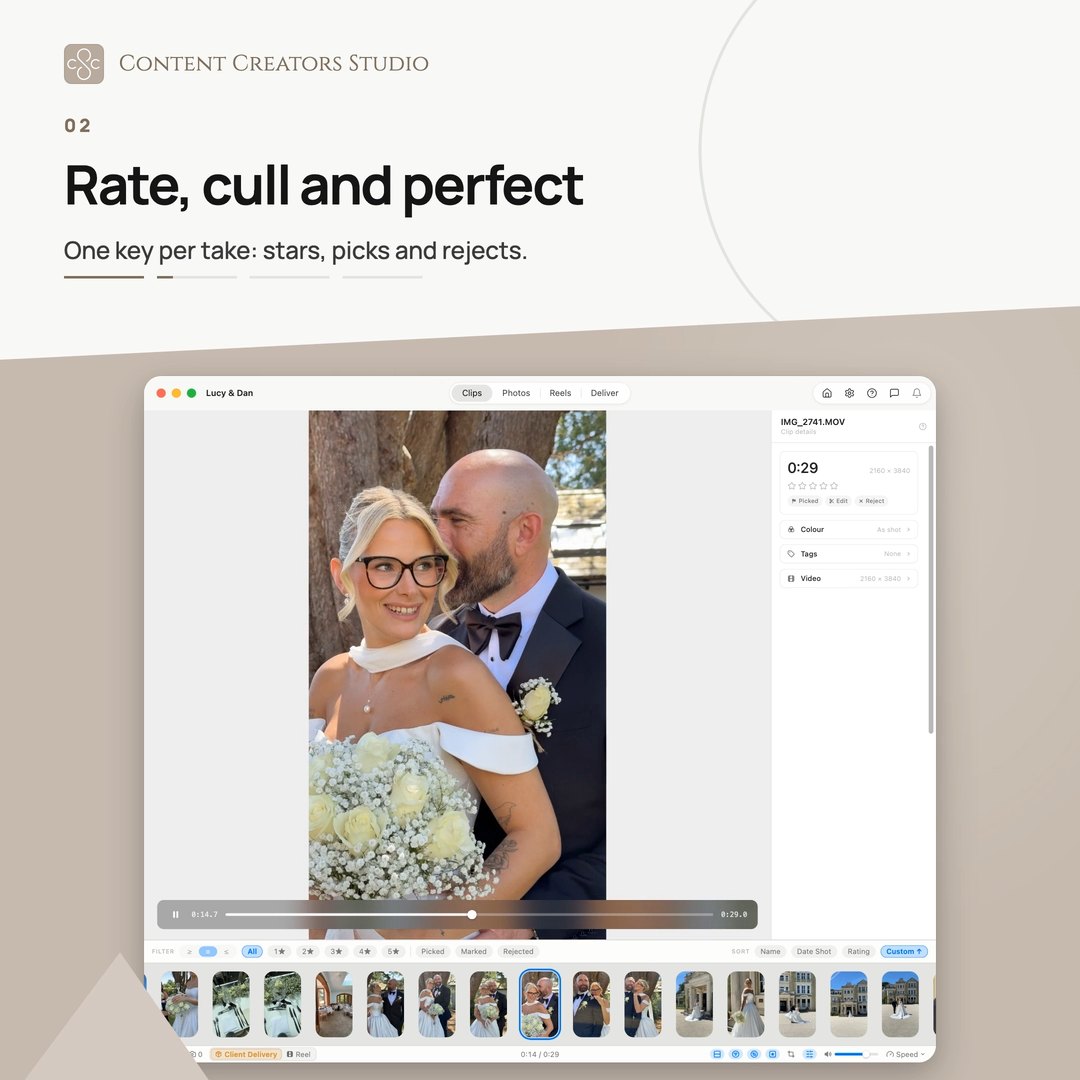
A wedding or an event leaves you with hundreds of clips and photos, and a client who wants them quickly. Sorting and cutting all that on a phone is the slow way round. This is the whole job on your Mac, in one sitting.
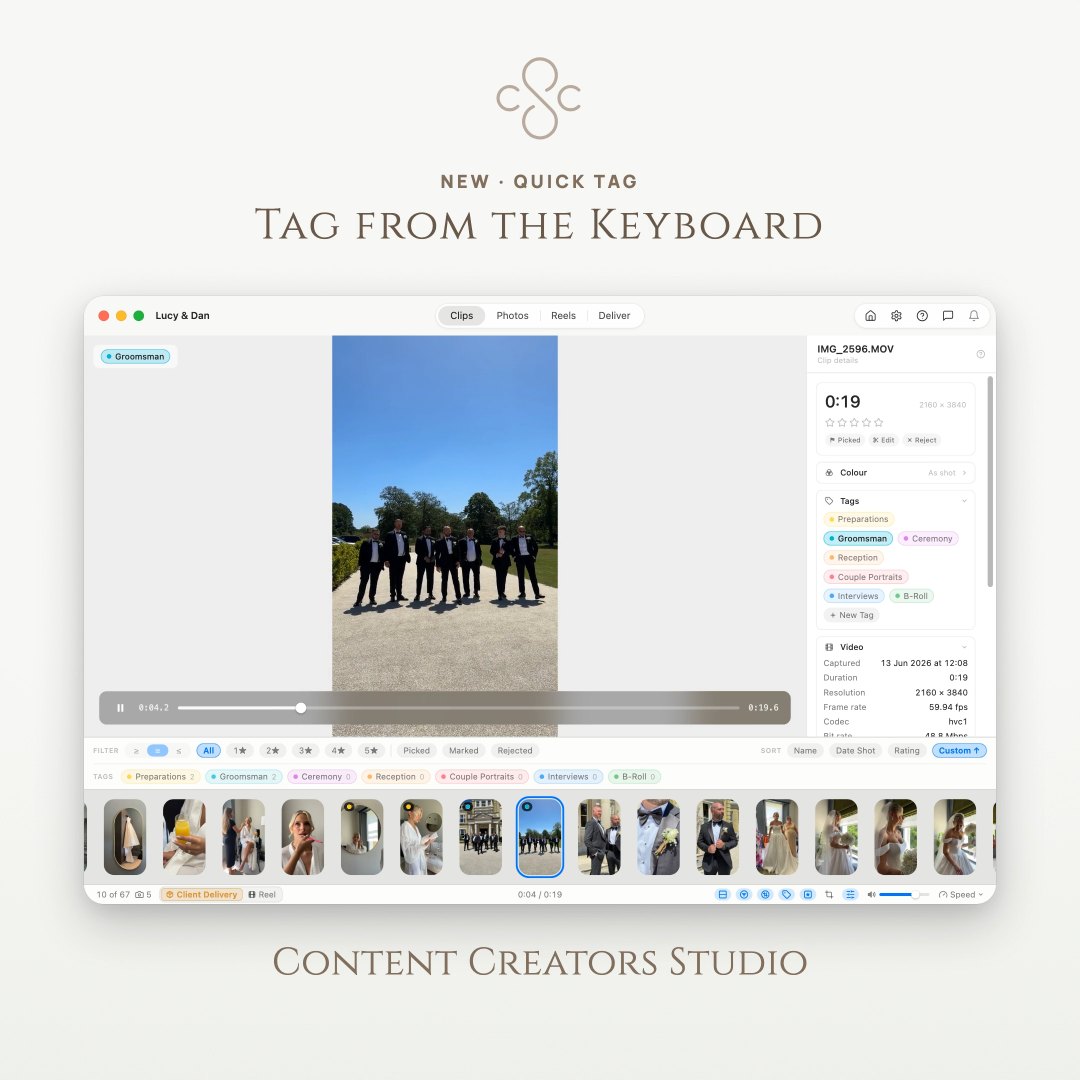
- Hundreds of clips and photos sorted on single keys, filtered down to the keepers
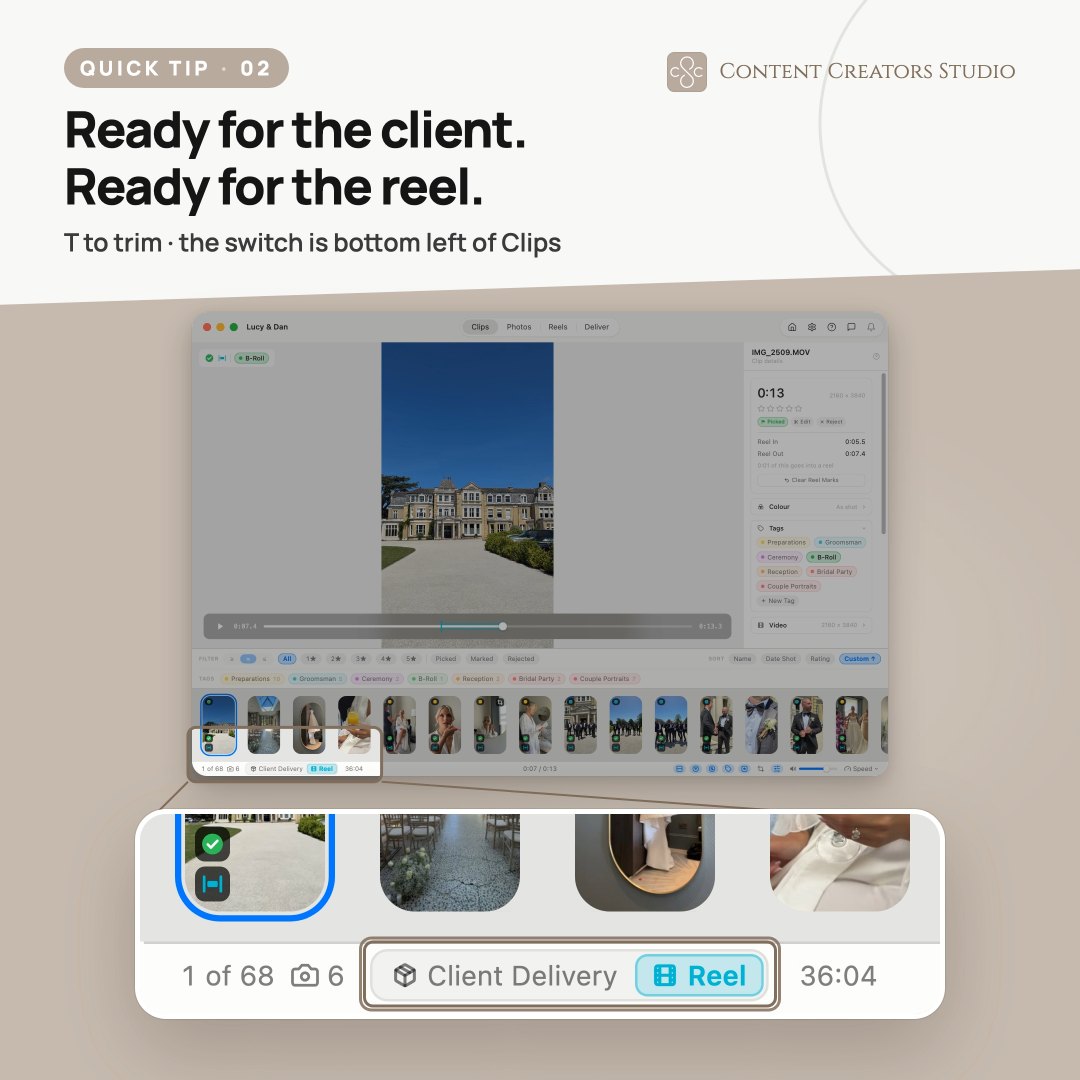
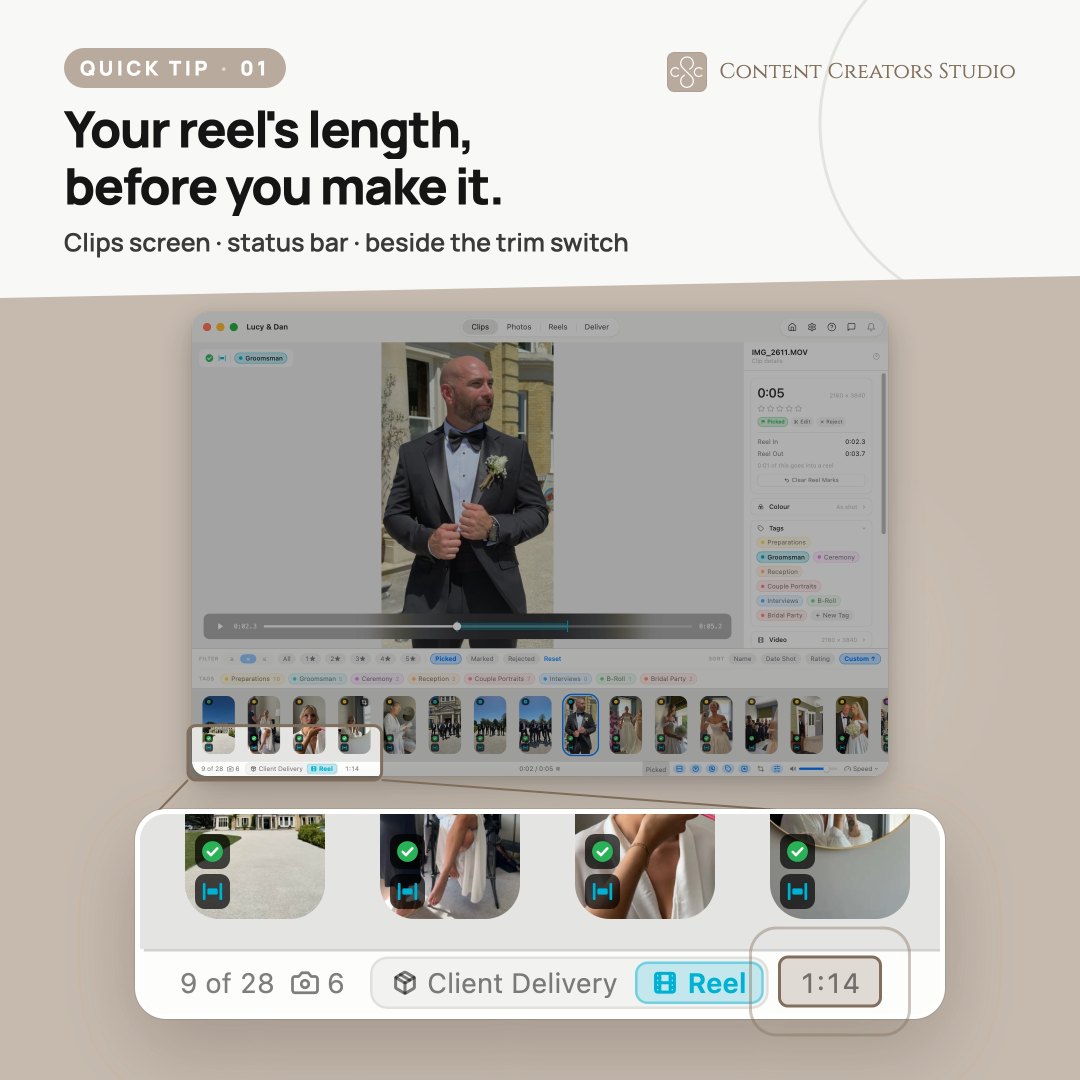
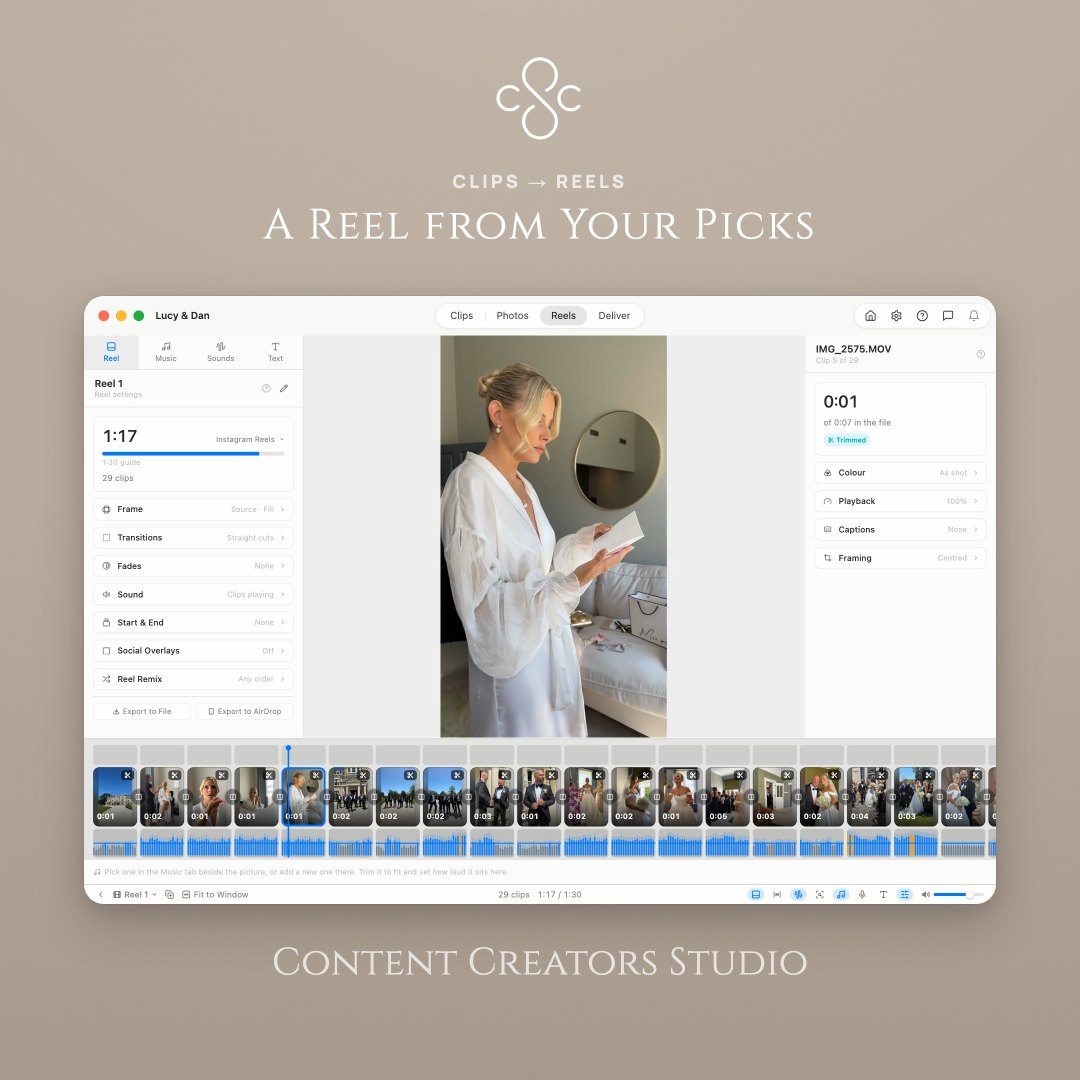
- The highlights reel cut from the marks you made while you watched, scored in the app
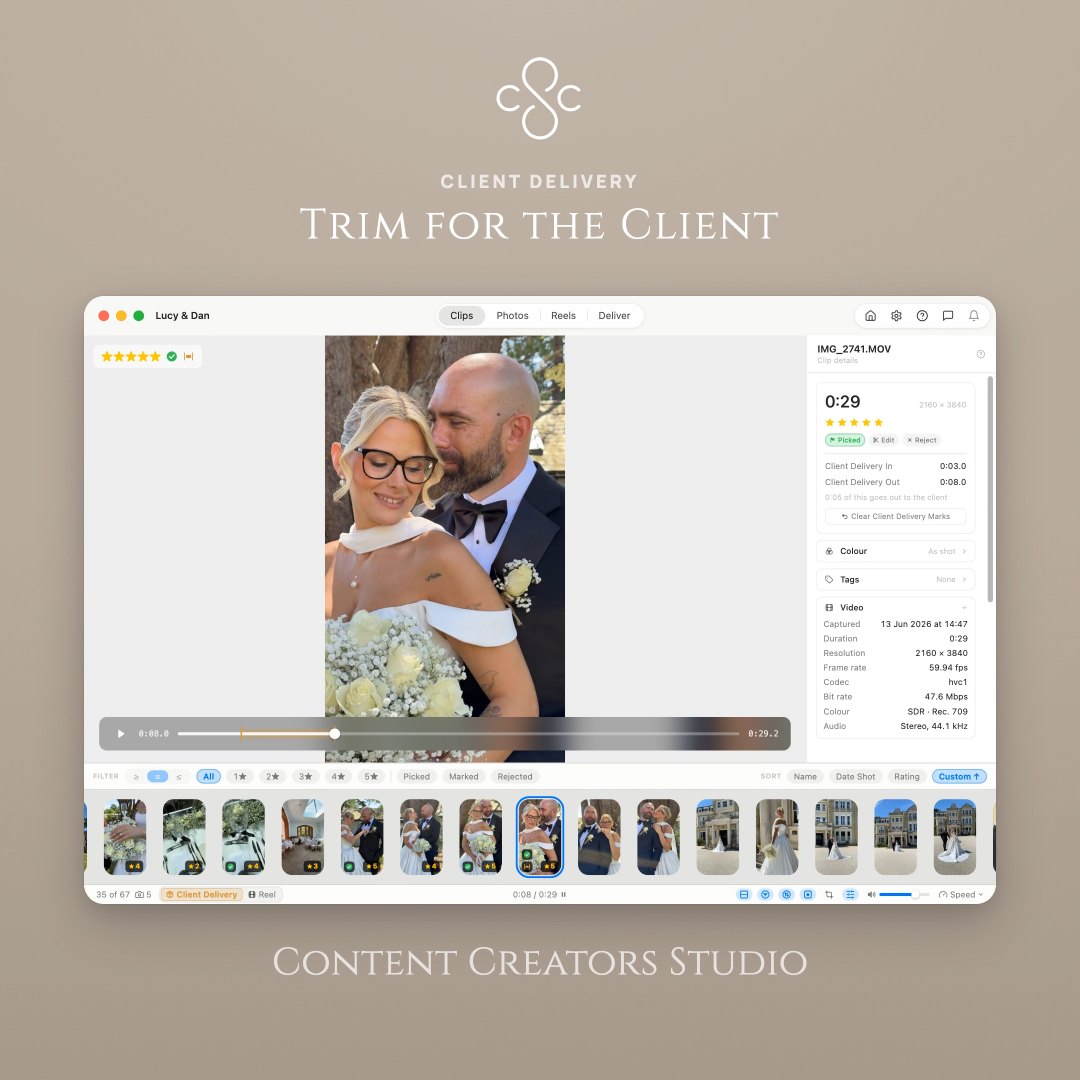
- Delivered organised: tags build the folders, and selects are renamed in sequence
- Optionally uploaded to Dropbox as it delivers, with a link to send the client
Ends at the Deliver screen, with the client’s folder built.
Now available in 1.1 · Smart Reel
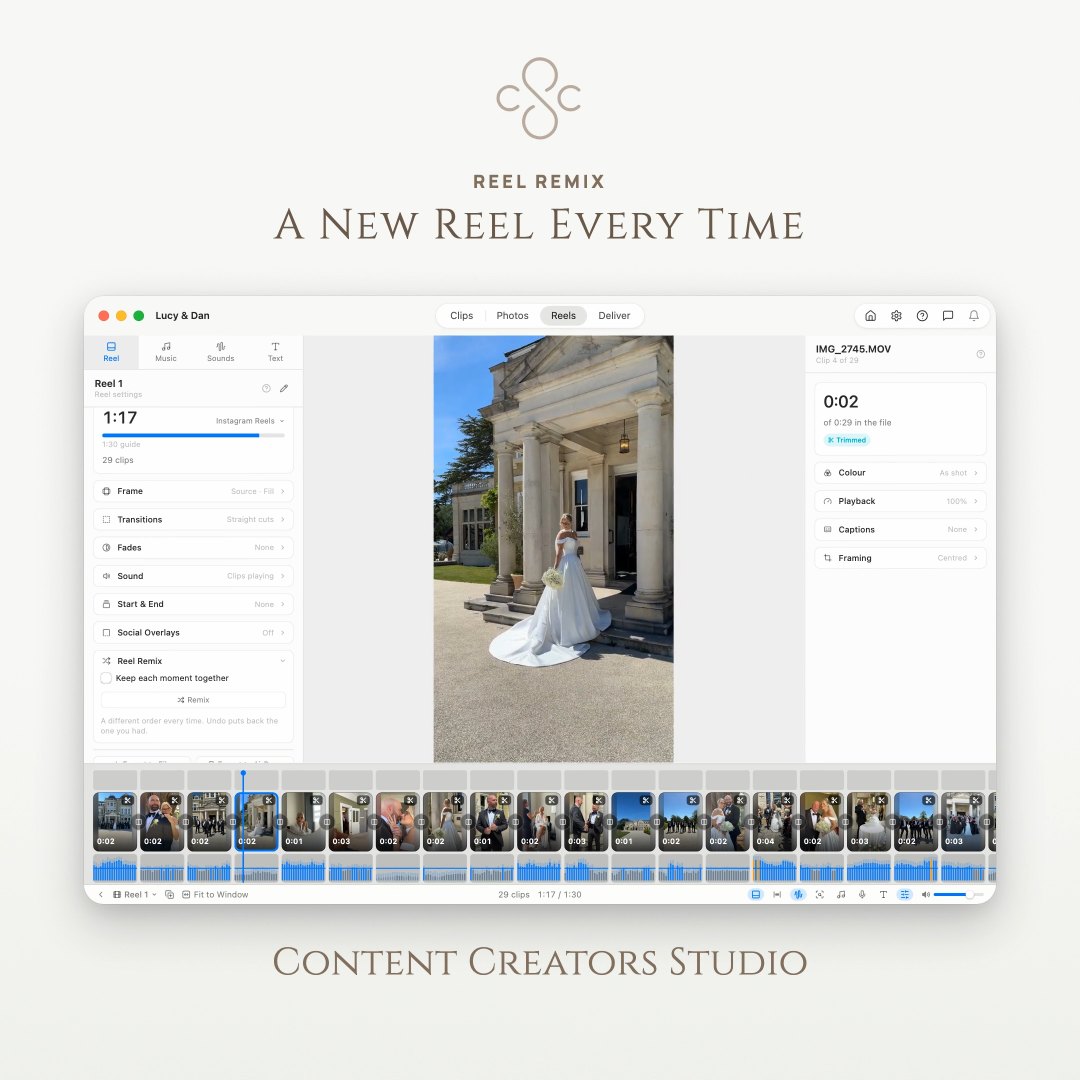
Start from a first cut, not an empty timeline
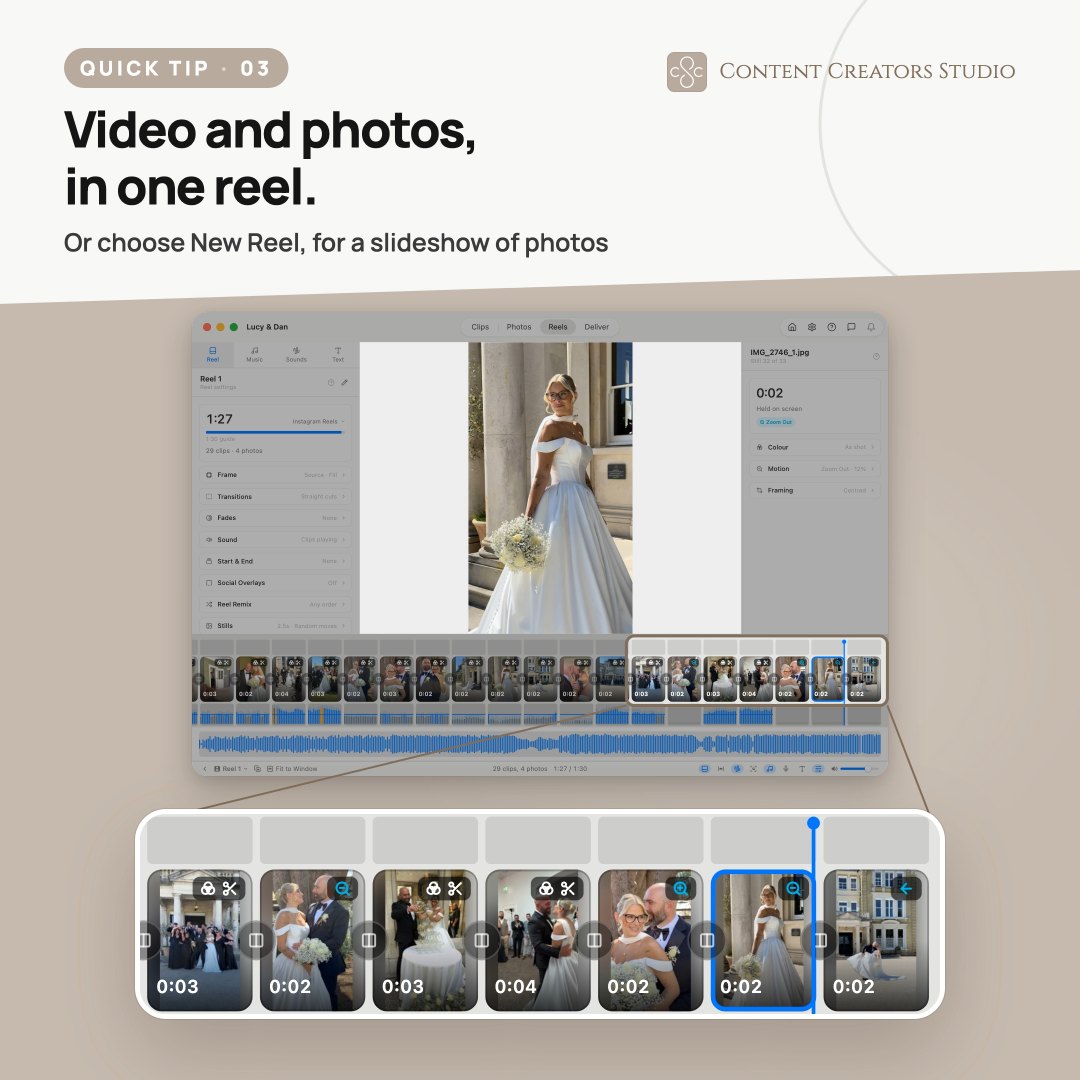
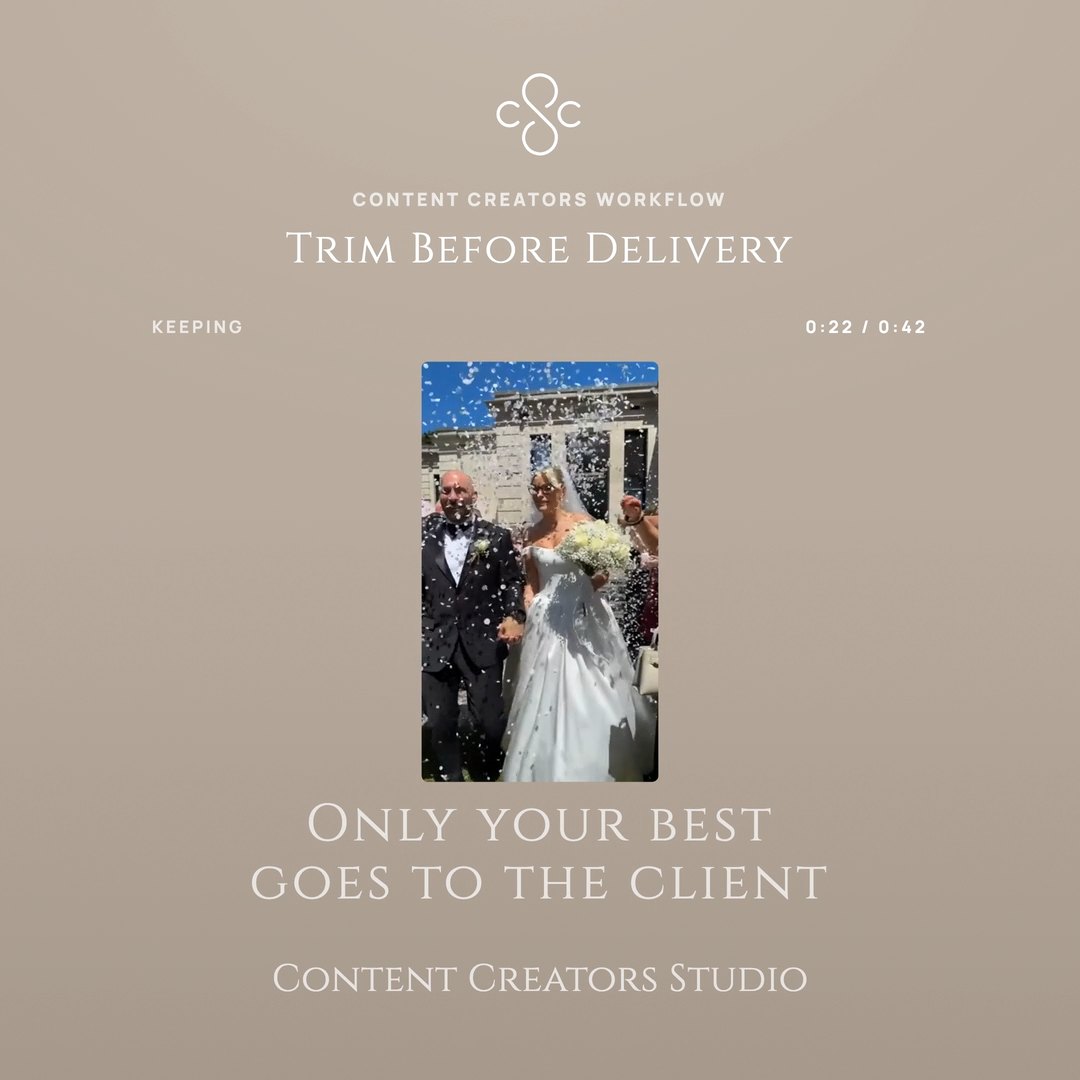
Hand it your clips, say how long the reel should run and how fast it should move. It trims each clip to its steadiest, sharpest, best framed stretch and lays them out in the order they were shot. It is experimental, and what comes back is an ordinary reel you can recut.
One window, start to finish
Everything between the shoot and the send
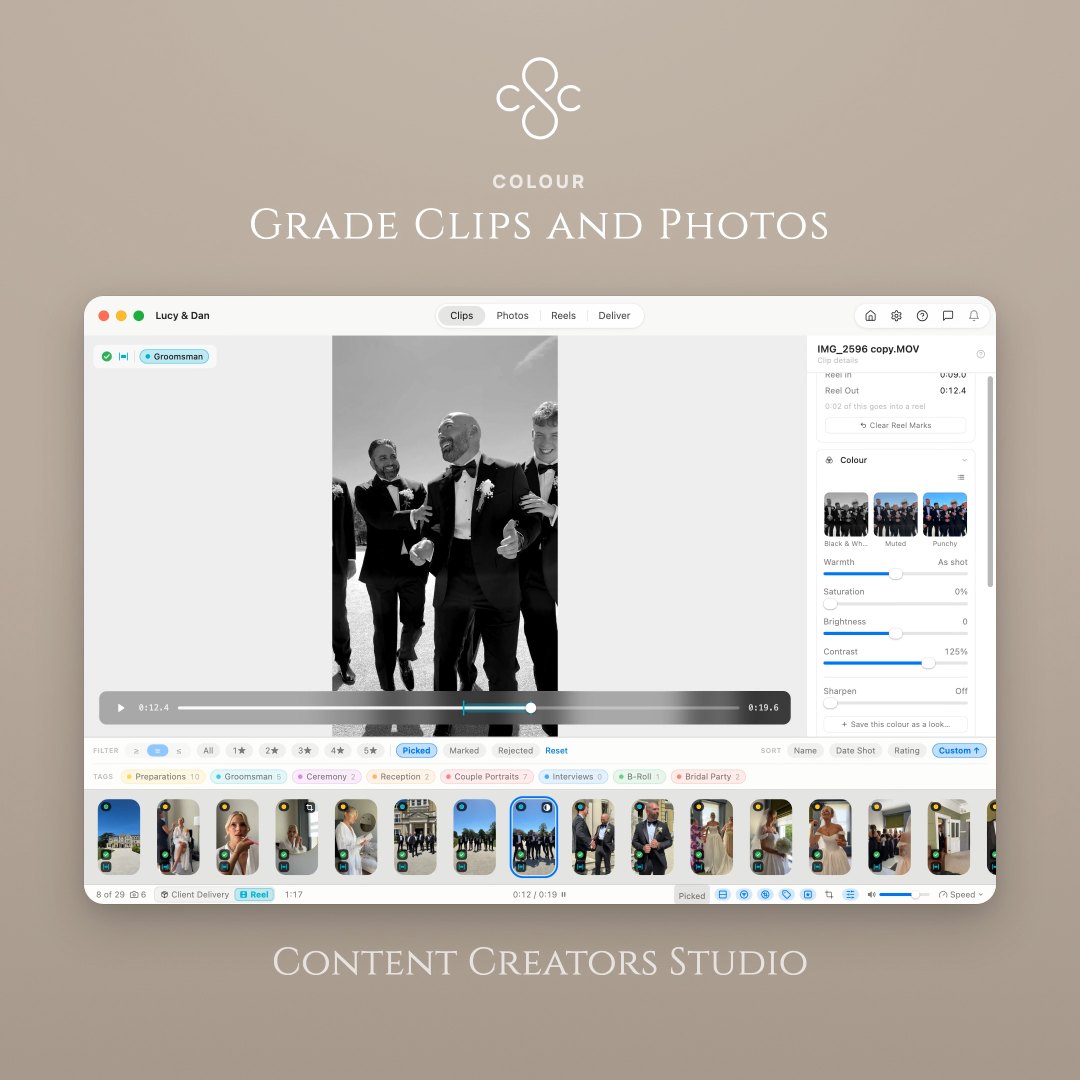
Import, cull, trim, cut, grade and deliver without exporting halfway or round-tripping through a second app. Your original files are never touched. Ratings and reels live alongside them, and are backed up quietly as you work.
Built in cooperation with the content creators who use it.
Why bother
It gives you your evening back
Everything this app does is in service of one thing: getting you from an iPhone full of footage to a delivered shoot without losing the day in between.
An afternoonback on every shoot
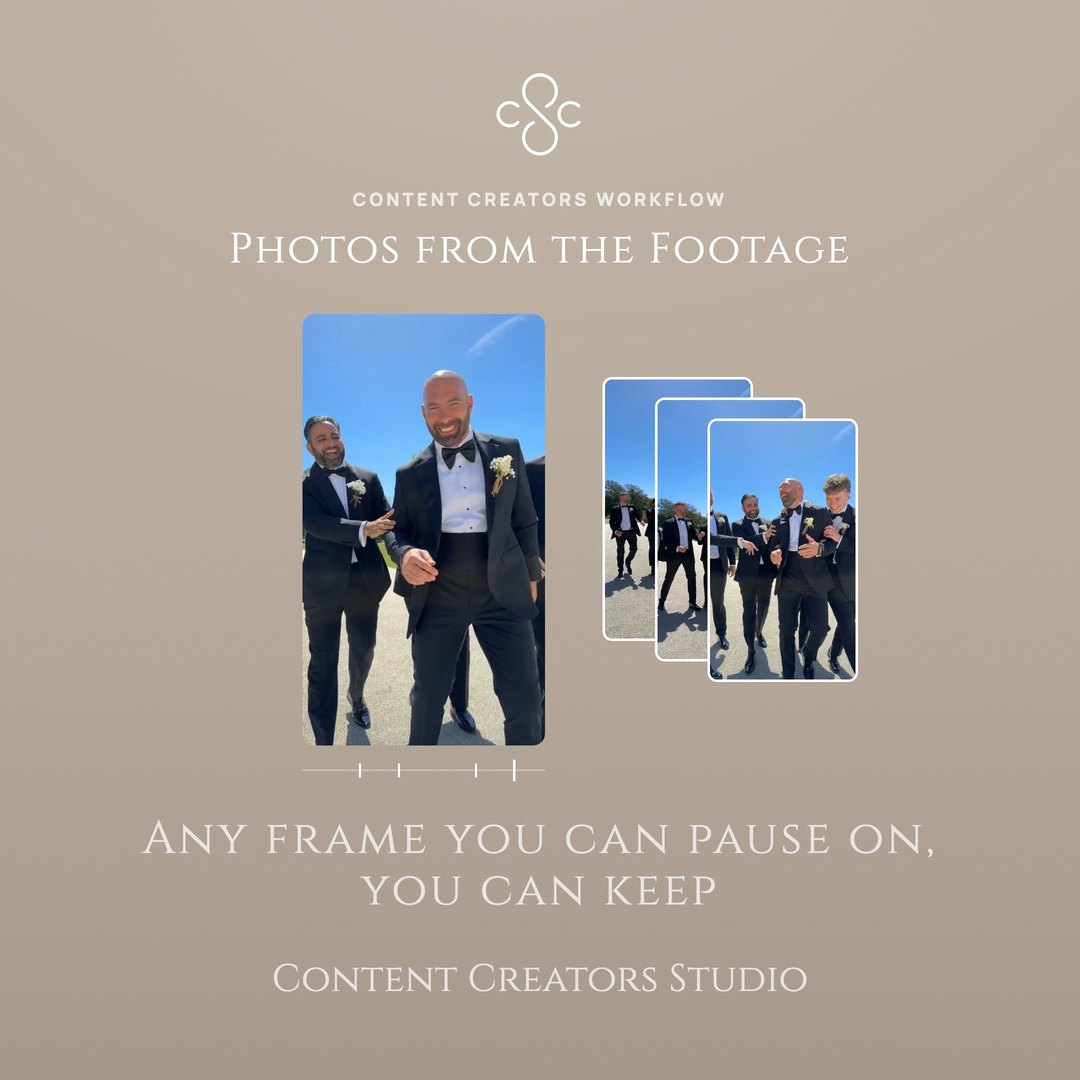
Clips come straight off your iPhone grouped by the day they were shot, so the sort you normally do in Finder has already happened before you start.
No mousebetween you and the picks
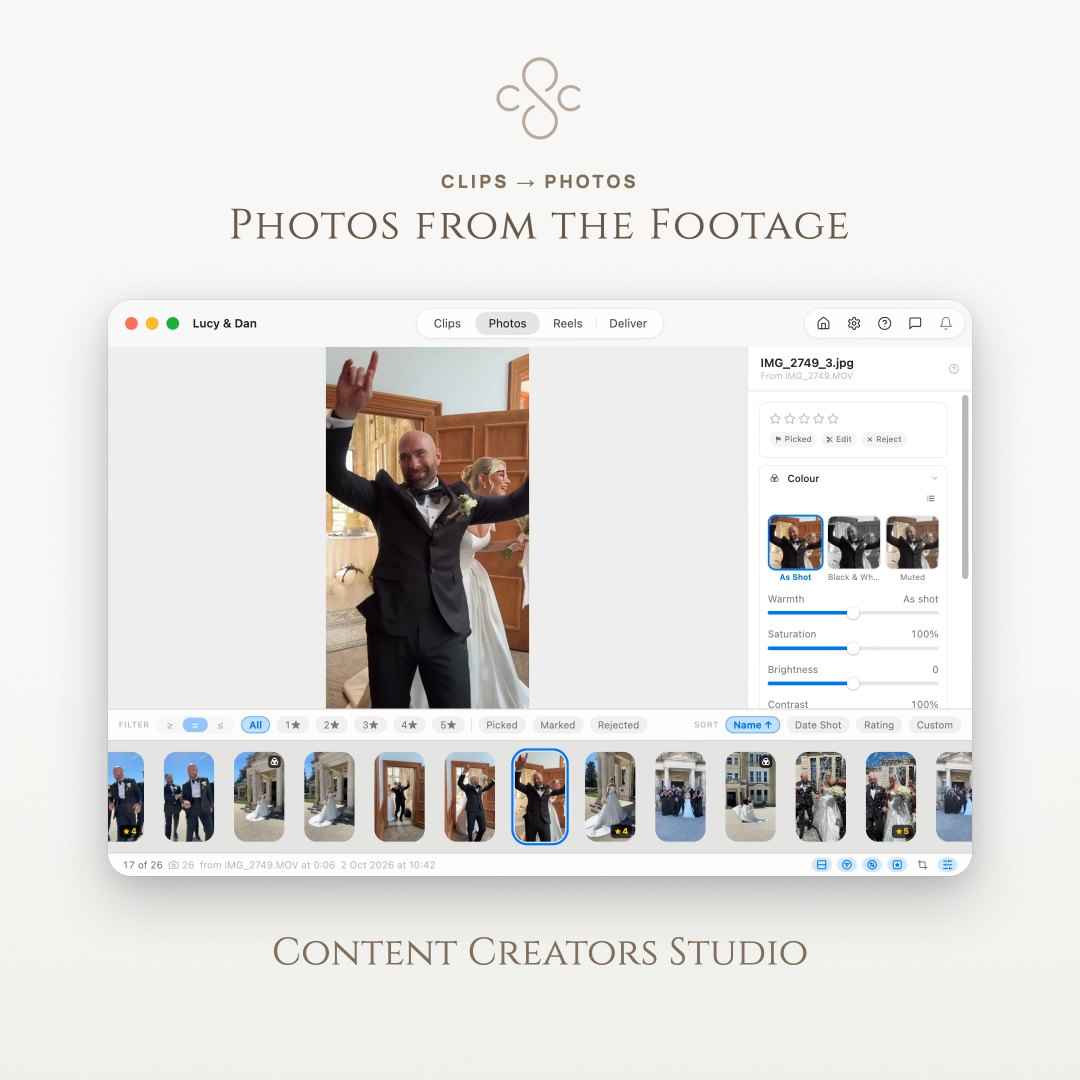
Rate, flag, reject, capture a frame and split a reel from the keyboard. Once the shortcuts are in your hands, culling is a rhythm rather than a chore.
One exportand it is ready to send
Selects renamed in sequence with your own prefix, in the order you arranged them — or one finished reel up to 4K. No second app, no manual renaming.
How it works
From the phone on your gimbal to client delivery
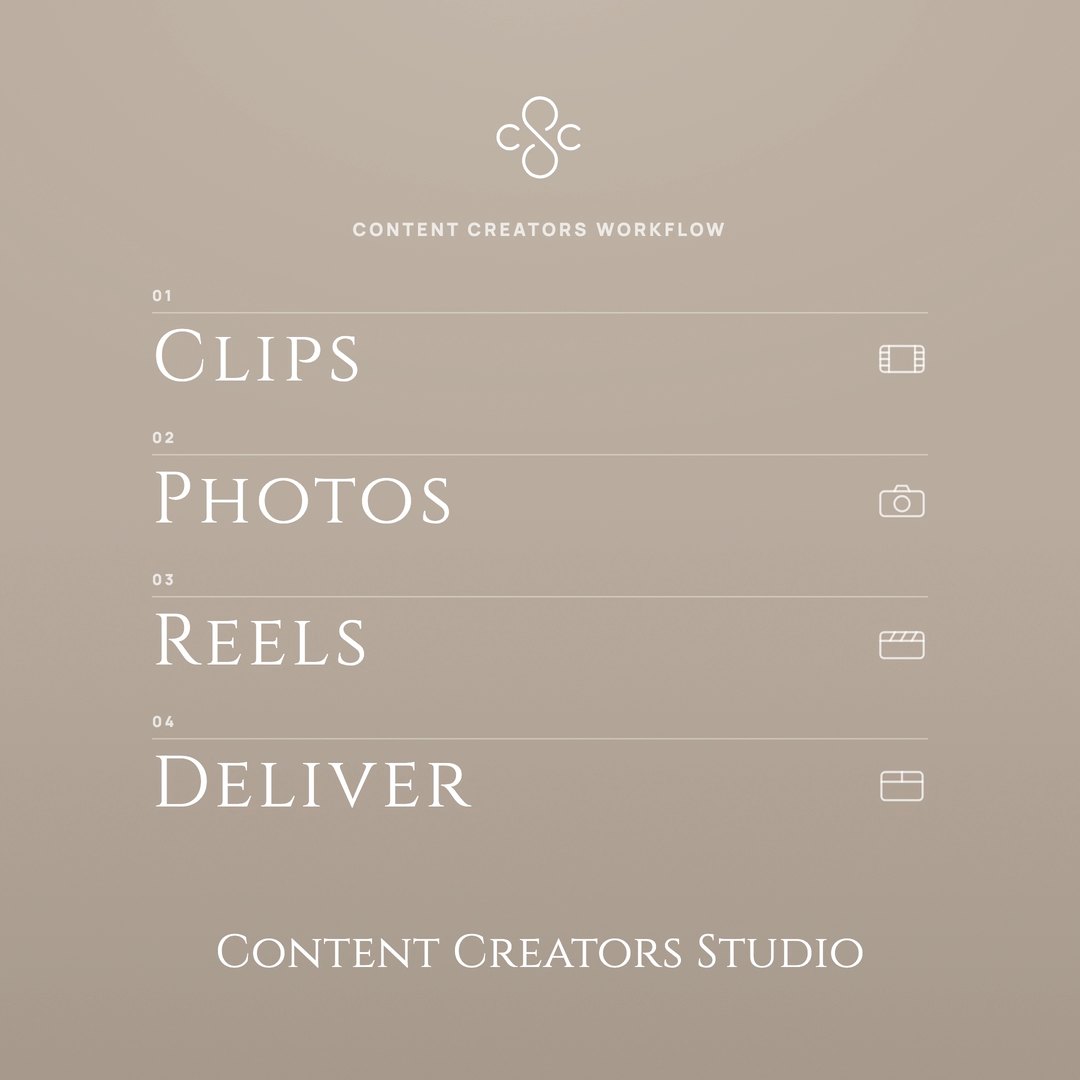
Four steps, one window. Nothing exported halfway, nothing round-tripped through another app.
Early access pricing
Try it for a week. Then decide.
Seven days free, no card. After that it’s £4.99 a month, or £49.99 a year, ten months’ price, so a year saves you two.
Early access price. Subscribe now and it stays yours.
Monthly
£4.99/month
Cancel any time.
Yearly
£49.99/year
Works out at £4.17 a month.
Both plans include everything the app does — import, culling, trimming, the reel editor, colour, music and 4K delivery. Nothing is held back for a higher tier, updates are included, and you can cancel whenever you like.
Requires macOS 15 or later · Apple silicon only
Already subscribed? Find your key or move it to another Mac
Coming soon · Galleries
Then hand it over properly
The Mac app gets the clips ready. Galleries is where your client receives them: a branded gallery they can watch, share and download at full quality, with no account to make.